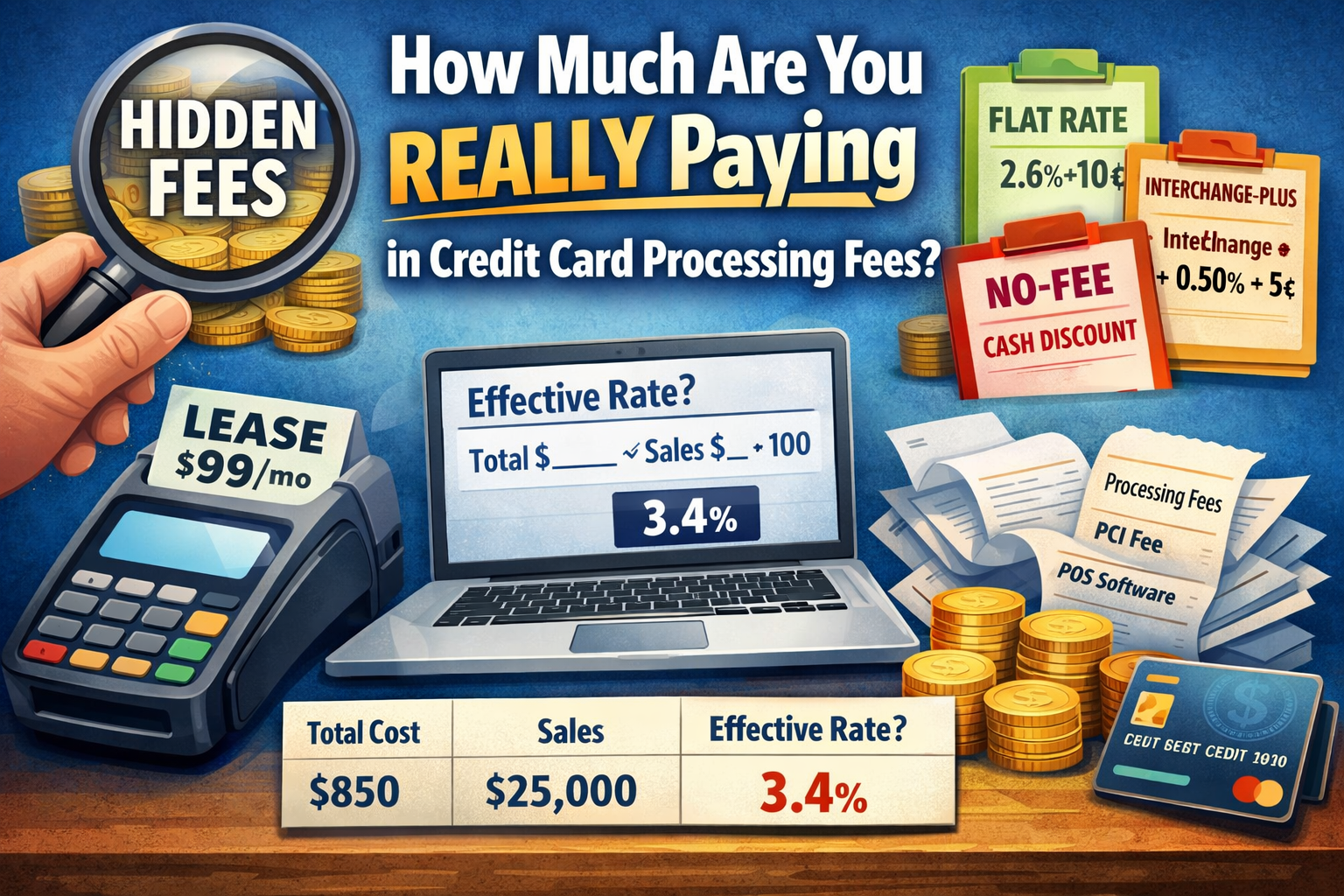
(Hidden fees breakdown + flat rate vs interchange-plus vs no-fee + examples + POS lease & software costs)
Most business owners think they’re paying “2.6% + 10¢” or “around 3%” and move on.
But your true cost is usually a mix of (1) card network costs, (2) processor markup, and (3) extra monthly/annual fees—plus POS leases and software subscriptions that can quietly add hundreds per month.
This guide breaks it all down in plain English with examples you can plug your own numbers into.
1) The 3 Buckets That Make Up Your Total Processing Cost
A) Interchange (the biggest piece)
This is the base cost set by the card brands and paid to the banks (issuer). It varies by:
-
Debit vs credit
-
Rewards vs basic cards
-
Card-present vs online
-
Business cards
-
Keyed-in vs chip/tap
You can’t negotiate interchange. Every processor pays it.
B) Assessments (card brand/network fees)
These are network fees charged by Visa/Mastercard/Discover/Amex. Also not negotiable.
C) Processor markup + “extras”
This is where pricing can vary wildly:
-
Percentage markup (like 0.30% or 0.50%)
-
Per-transaction markup (like 5¢, 10¢, 15¢)
-
Monthly fees, statement fees, PCI fees
-
“Non-qualified” style tiered pricing
-
Gateway fees, batch fees, AVS fees, etc.
2) The Hidden Fees Most Merchants Miss
Here are the common “silent profit” charges that inflate your effective rate:
Monthly / recurring fees
-
Account / service fee (often $10–$30/mo)
-
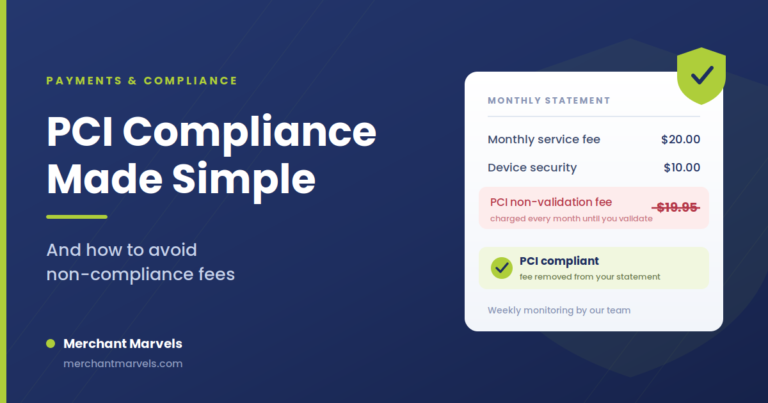
PCI compliance program fee (sometimes $10–$30/mo) or annual PCI fee ($80–$200/yr)
-
Statement fee ($5–$15/mo)
-
Gateway fee for online payments ($10–$25/mo)
-
Virtual terminal fee ($10–$30/mo)
-
Monthly minimum (if you don’t process enough)
Per-transaction add-ons
-
Batch / settlement fee ($0.05–$0.30 per batch/day)
-
AVS fee (address verification, common for keyed/online) ($0.01–$0.10/txn)
-
Voice authorization (rare, but expensive)
-
Refund fees (some processors charge per refund)
“Penalty” style fees
-
Chargeback fee ($15–$35 each)
-
Retrieval request fee (sometimes)
-
Non-compliance fee (if PCI not completed)
Pricing tricks to watch for
-
Tiered pricing (“qualified/mid/non-qualified”) → hard to audit, often higher.
-
Flat rate with extra add-ons → looks simple, but monthly/per-txn extras still apply.
-
Equipment leases → huge long-term cost (more below).
3) Flat Rate vs Interchange-Plus vs No-Fee (Cash Discount / Surcharge)
Let’s compare the 3 most common structures.
Option 1: Flat Rate Pricing (simple, predictable)
Example: 2.6% + 10¢ on all card transactions.
Pros
-
Simple to understand
-
Stable and predictable
Cons
-
Often costs more for many businesses (especially debit-heavy)
-
You still may pay monthly fees on top
Best for
-
New businesses
-
Lower volume
-
Merchants who prioritize simplicity over optimization
Option 2: Interchange-Plus (the most transparent)
Example: Interchange + 0.50% + 5¢
You pay:
-
Interchange (varies)
-
Assessments (varies)
-
Processor markup (the “plus”)
Pros
-
Most transparent
-
Usually best long-term pricing for consistent volume
-
Easy to compare processor markup
Cons
-
Statements look complex
-
Your rate changes depending on the card mix
Best for
-
Established businesses
-
Higher volume
-
Owners who want to truly control costs
Option 3: No-Fee / Surcharge / Cash Discount (customer covers the fee)
This model shifts the processing cost to the customer where allowed by law and card brand rules.
Common structures:
-
Surcharge (typically on credit cards; debit often excluded)
-
Cash discount (price includes a “card price”; cash gets a discount)
-
Dual pricing (clear cash vs card price posted)
Pros
-
Can reduce or eliminate your processing expense
-
Powerful for high-volume businesses
Cons
-
Must be implemented correctly (signage, receipts, rules)
-
Some customers dislike fees if presented poorly
-
Not every business type is a fit (depends on industry + customer experience)
Best for
-
Retail, convenience, smoke shops, liquor stores (where allowed), service businesses, B2B
-
Businesses with tight margins and high card usage
4) The “True Cost” Formula (What You’re REALLY Paying)
Your real monthly cost is:
Total Cost = Processing Fees + Monthly Fees + POS Hardware/Lease + POS Software Fees
And your effective rate is:
Effective Rate (%) = (Total Cost ÷ Total Sales) × 100
This is the number that matters.
5) Copy/Paste Fee Calculator (Use This With Your Statement)
Fill these in from your monthly statement:
A) Volume + transactions
-
Monthly card sales: $________
-
Number of transactions: ________
-
Average ticket = sales ÷ transactions
B) Processing fees
-
Discount / processing fees: $________
-
Interchange fees (if shown): $________
-
Assessments (if shown): $________
-
Processor fees/markup (if shown): $________
C) Monthly/annual fees (convert annual to monthly)
-
Monthly service fees: $________
-
PCI fee: $______/year → ÷12 = $________/mo
-
Gateway/virtual terminal: $________
-
Other monthly fees: $________
D) POS costs
-
Hardware purchase payment (if financed): $________
-
Lease payment: $________
-
POS software subscription: $________
-
Add-ons (online ordering, loyalty, payroll, etc.): $________
Results
-
Total monthly cost = B + C + D
-
Effective rate = (Total monthly cost ÷ monthly sales) × 100
6) Example Tables (So You Can See How It Adds Up)
Example Business Profile
-
Monthly sales: $25,000
-
Transactions: 1,000
-
Average ticket: $25
Scenario 1: Flat Rate (2.6% + 10¢) + small monthly fees
| Item | Calculation | Cost |
|---|---|---|
| % fee | $25,000 × 2.6% | $650 |
| per-txn fee | 1,000 × $0.10 | $100 |
| monthly fees | statement/PCI/service | $30 |
| Total | $780 | |
| Effective rate | $780 ÷ $25,000 | 3.12% |
Scenario 2: Interchange-Plus (Interchange assumed avg 1.70% + 10¢) + (0.50% + 5¢) + monthly fees
(Interchange varies—this is just an example.)
| Item | Calculation | Cost |
|---|---|---|
| interchange % | $25,000 × 1.70% | $425 |
| interchange per-txn | 1,000 × $0.10 | $100 |
| markup % | $25,000 × 0.50% | $125 |
| markup per-txn | 1,000 × $0.05 | $50 |
| monthly fees | PCI/service/gateway | $35 |
| Total | $735 | |
| Effective rate | $735 ÷ $25,000 | 2.94% |
Scenario 3: No-Fee / Surcharge Program + you pay only small fixed costs
(Example: customers cover card fee; you still may pay some base costs and per-item charges depending on setup.)
| Item | Example Cost |
|---|---|
| net processing cost to merchant | $0 – $150 |
| monthly fees + compliance | $30 – $60 |
| chargebacks (if any) | varies |
| Effective rate | often 0.2% – 0.8% of volume (varies) |
Key point: If no-fee is implemented correctly, your effective rate can drop dramatically—but you must follow rules and present it the right way.
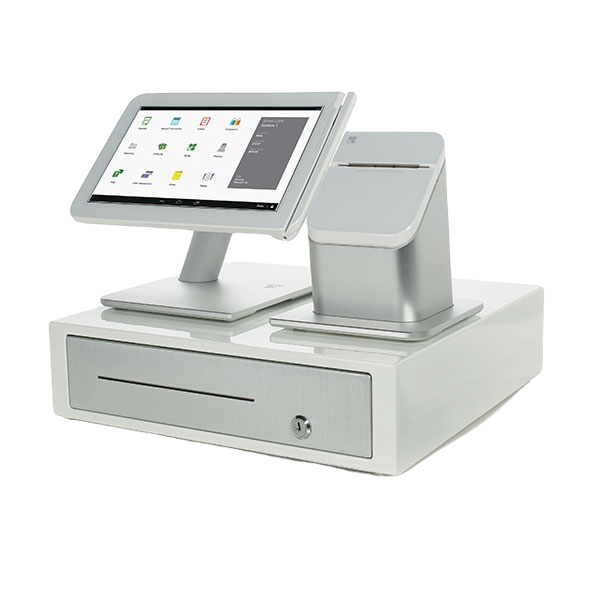
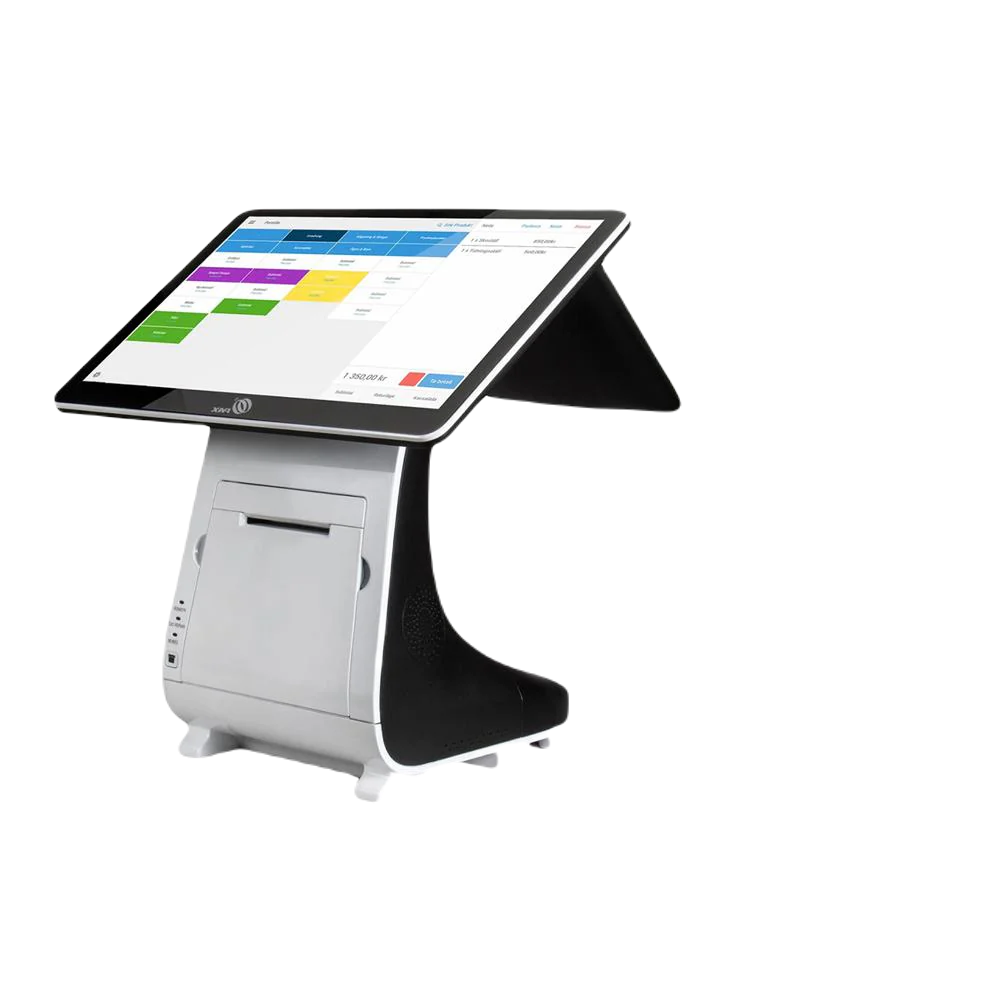
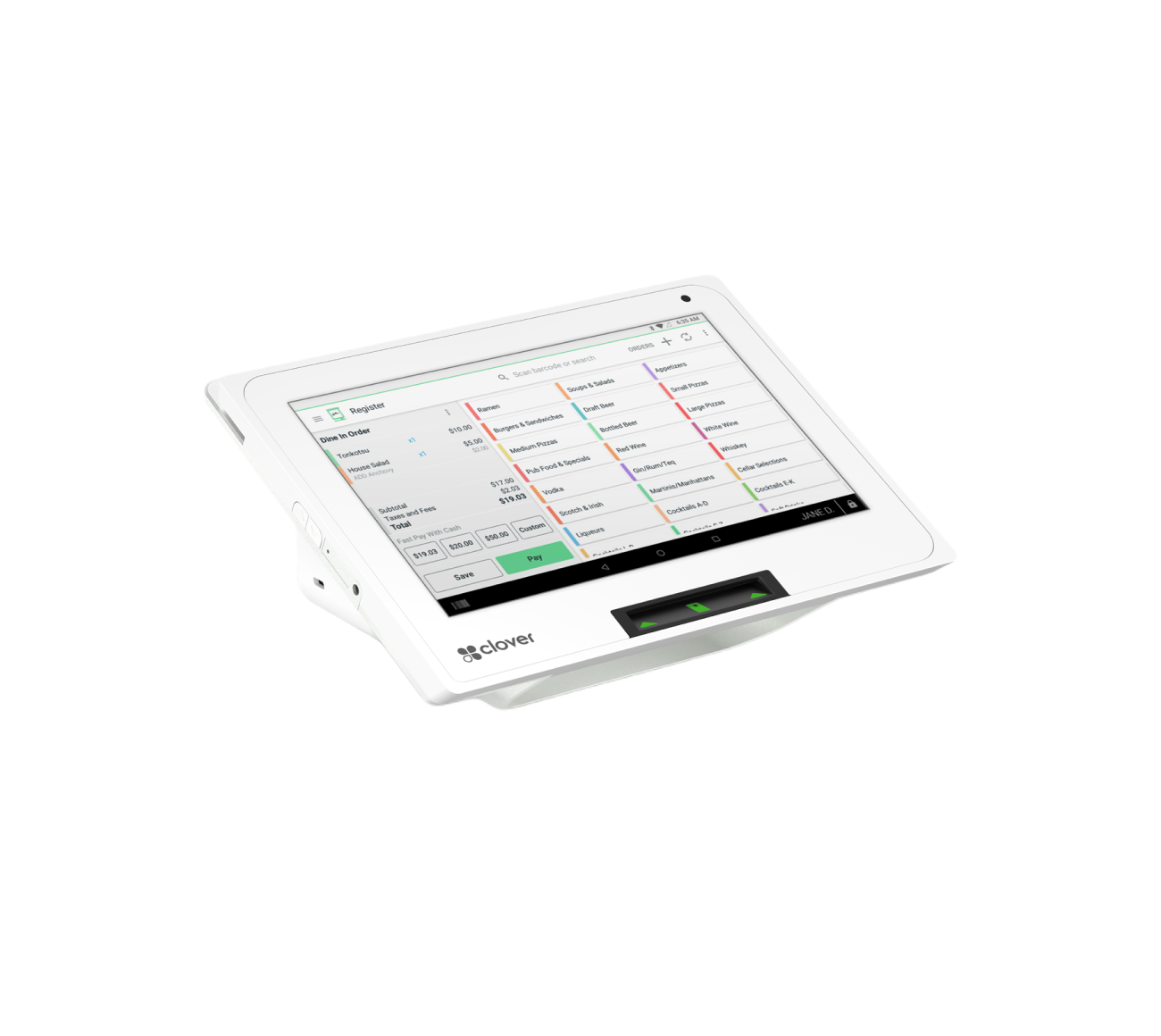
7) POS Leases and POS Software Fees (The Costs That Hurt the Most)
A lot of merchants focus only on the processing rate and ignore POS costs. That’s a mistake—because a bad POS deal can cost more than your processing savings.
A) POS equipment lease (big red flag in many cases)
If you lease a POS terminal, you might pay:
-
$59–$199/month
-
For 36–48 months
-
Often non-cancelable
-
With end-of-lease buyout fees or “return equipment” requirements
Quick lease math example
A terminal worth $900–$1,500 purchased upfront can become:
-
$129/mo × 48 months = $6,192
That’s why many businesses feel “locked in” even if rates are high.
Better options
-
Buy outright (if it makes sense)
-
Use equipment placement programs (where available/qualified)
-
Finance transparently with a clear payoff amount (not a lease)
B) POS software subscriptions
Even if equipment is “free” or low cost, software often adds up:
Common POS software fees:
-
Base POS plan: $0–$100+/mo
-
Register license per device: $20–$60/mo each
-
Inventory advanced features: $10–$50/mo
-
Loyalty: $20–$60/mo
-
Online ordering: $20–$150/mo
-
Delivery integration: $20–$100/mo
-
Payroll/time clock: $10–$80/mo
-
Premium support: $10–$40/mo
C) The “true POS cost” checklist
When comparing POS quotes, ask:
-
Is the device purchased, financed, or leased?
-
What is the total cost over 36–48 months?
-
What software plan is required?
-
How many device licenses?
-
Any add-ons required (online ordering, inventory, etc.)?
-
Any cancellation fees or contract terms?
8) The Fastest Way to Tell If You’re Overpaying
You might be overpaying if:
-
Your effective rate is above 3.3% for a standard retail/service business (varies by industry and card mix)
-
You’re paying multiple monthly fees you don’t use
-
You have a POS lease (especially 36–48 months)
-
Your statement includes confusing tiers like “non-qualified”
-
Your average ticket is small and you’re getting crushed by per-transaction fees
9) What to Do Next (Action Steps)
-
Calculate your effective rate using the formula above.
-
List all monthly fees and POS costs—don’t ignore them.
-
Compare pricing options:
-
Flat rate (simple)
-
Interchange-plus (transparent)
-
No-fee (if it fits your business and is legal/allowed in your area)
-
-
Avoid long POS leases unless you fully understand total cost.
Bonus: Mini “Statement Audit” Checklist
If you want to self-audit quickly, pull these numbers:
-
Total card sales
-
Total fees (all fees)
-
Total transactions
-
Monthly recurring fees
-
POS lease payment
-
POS software payment
Then compute:
-
Effective rate
-
Effective cost per transaction = total cost ÷ number of transactions
That tells the truth immediately.