Running a retail store today is very different from running one even a few years ago. Customers expect faster checkout, flexible payment options, accurate pricing, digital receipts, loyalty rewards, online ordering, and a smooth shopping experience from the moment they walk in until the moment they leave. At the same time, store owners need better control over inventory, employees, reports, refunds, discounts, and daily sales.
That is exactly where Clover POS can become a powerful tool for retail businesses.
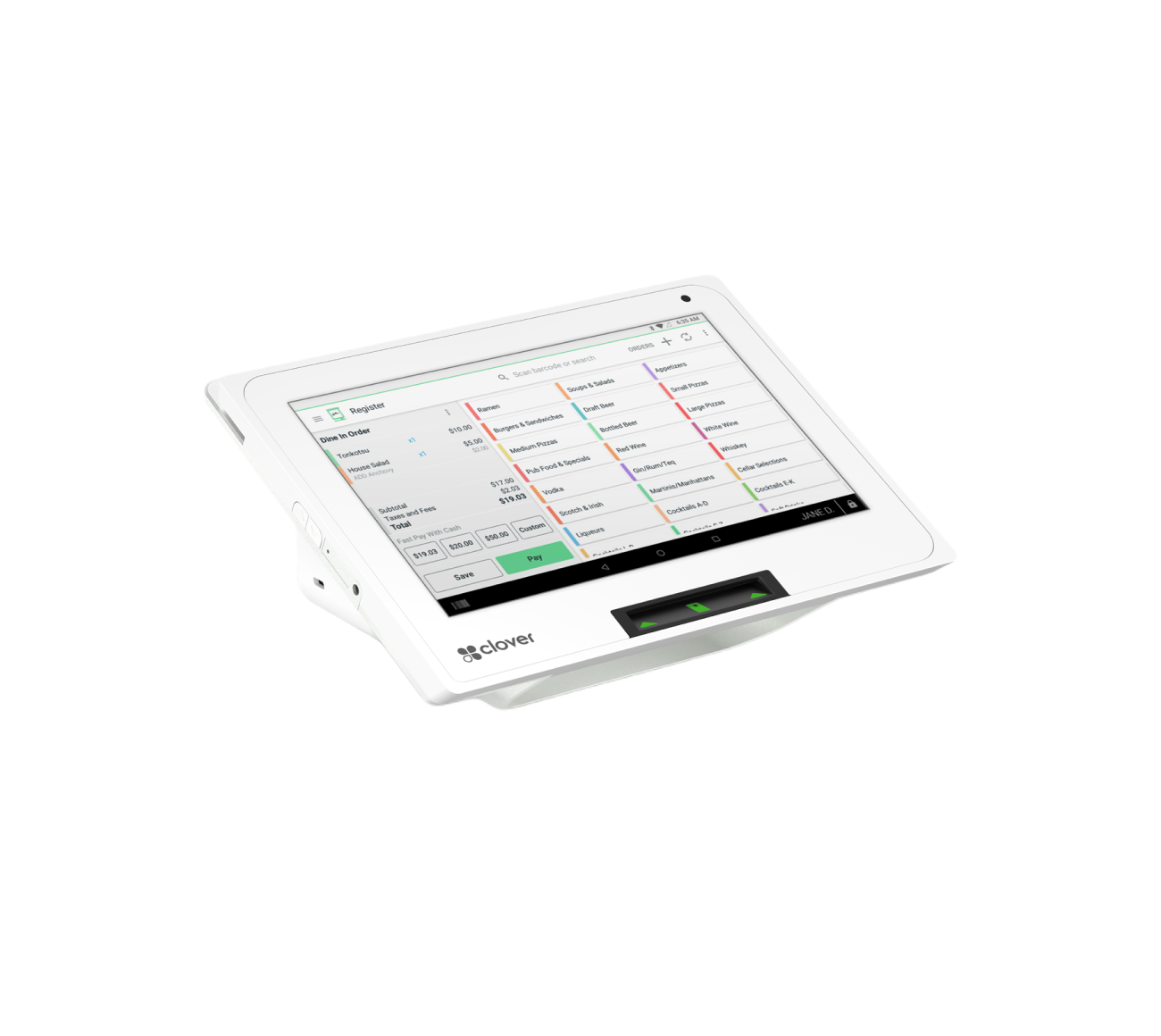
Clover is more than a simple credit card machine. For retail stores, it can work as a complete business management system that helps you accept payments, track inventory, manage employees, understand sales trends, build customer loyalty, and simplify day-to-day operations. Whether you run a clothing boutique, convenience store, gift shop, smoke shop, beauty supply store, liquor store, grocery store, specialty retail shop, or general merchandise store, Clover gives you practical tools that can help you operate more efficiently.
Many retail owners only use their POS system for basic transactions. They ring up sales, print receipts, and close the batch at the end of the day. But if you are using Clover only as a payment terminal, you may be missing some of its most valuable features.
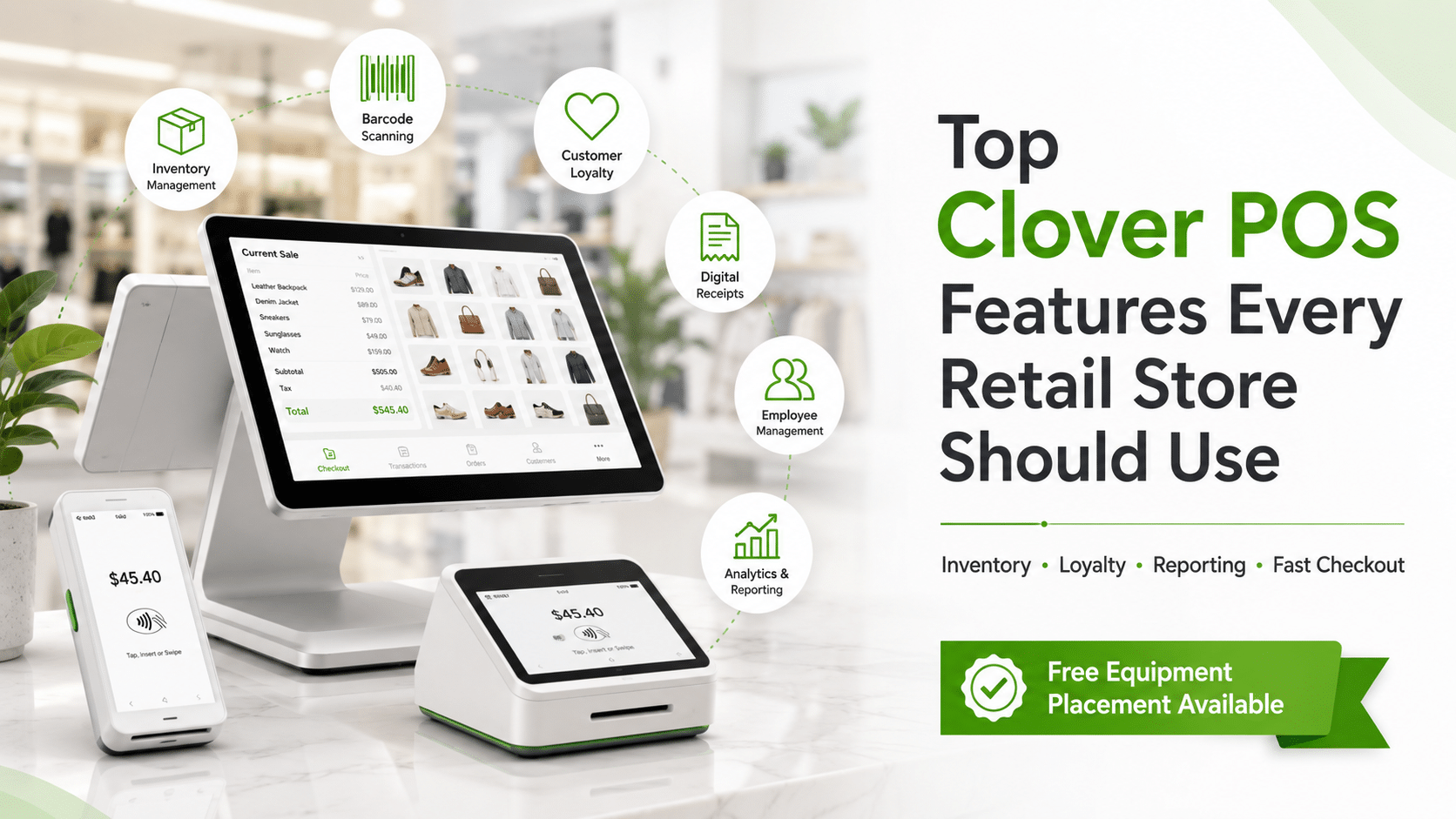
In this blog post, we will cover the top Clover POS features every retail store should use, why they matter, and how they can help improve your store’s operations, customer experience, and profitability.
1. Fast and Flexible Checkout
The checkout counter is one of the most important areas of your retail store. A slow checkout process can frustrate customers, create long lines, and reduce repeat business. Clover helps retail stores process transactions quickly and professionally.
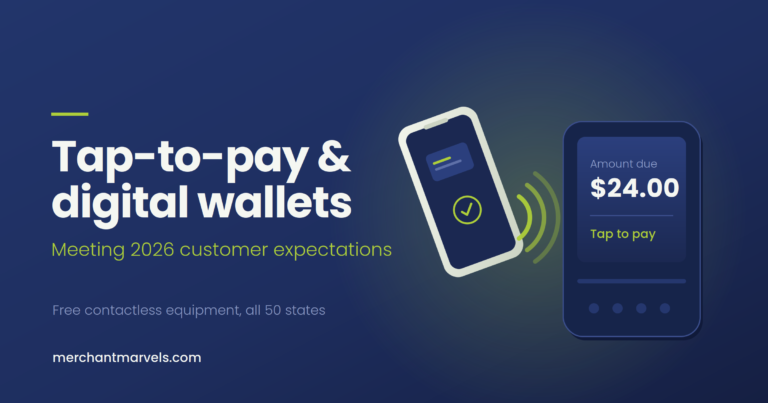
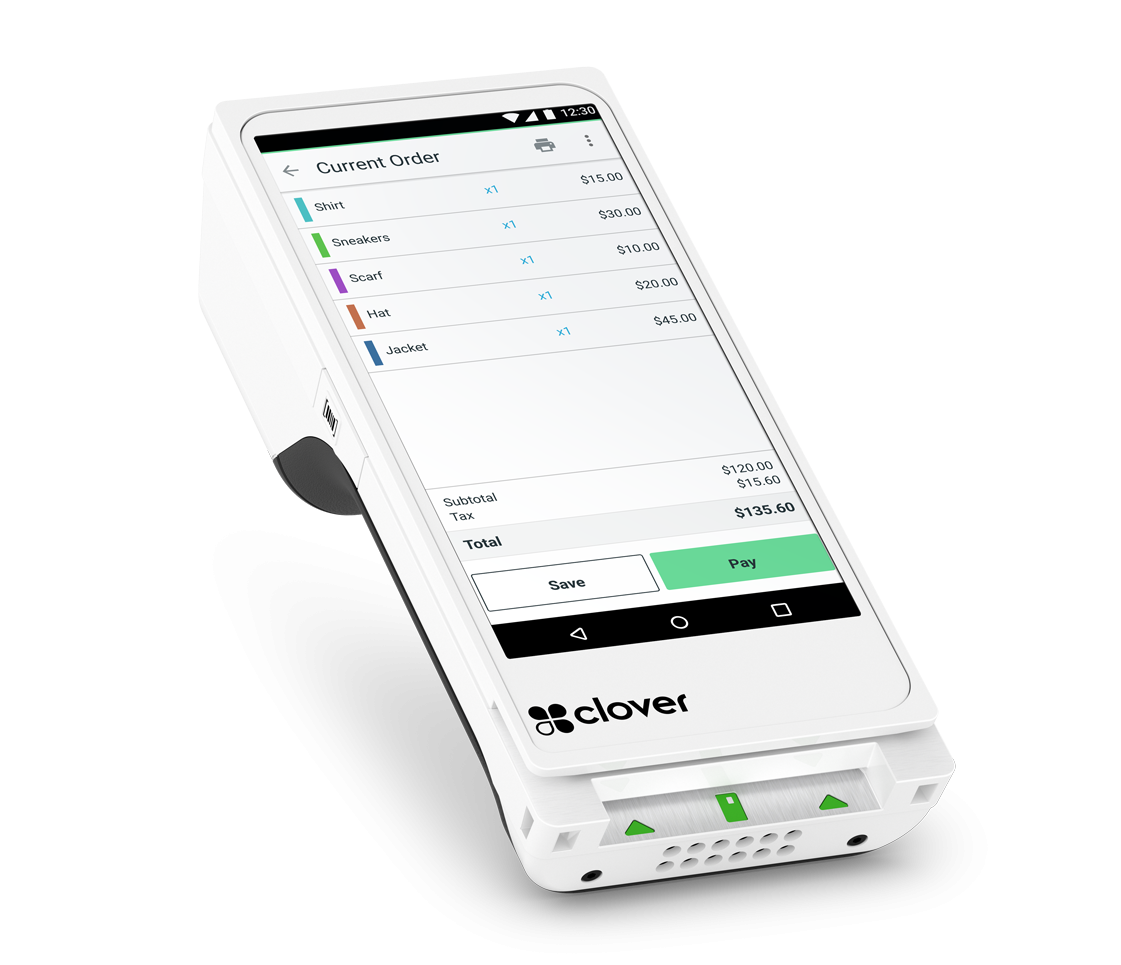
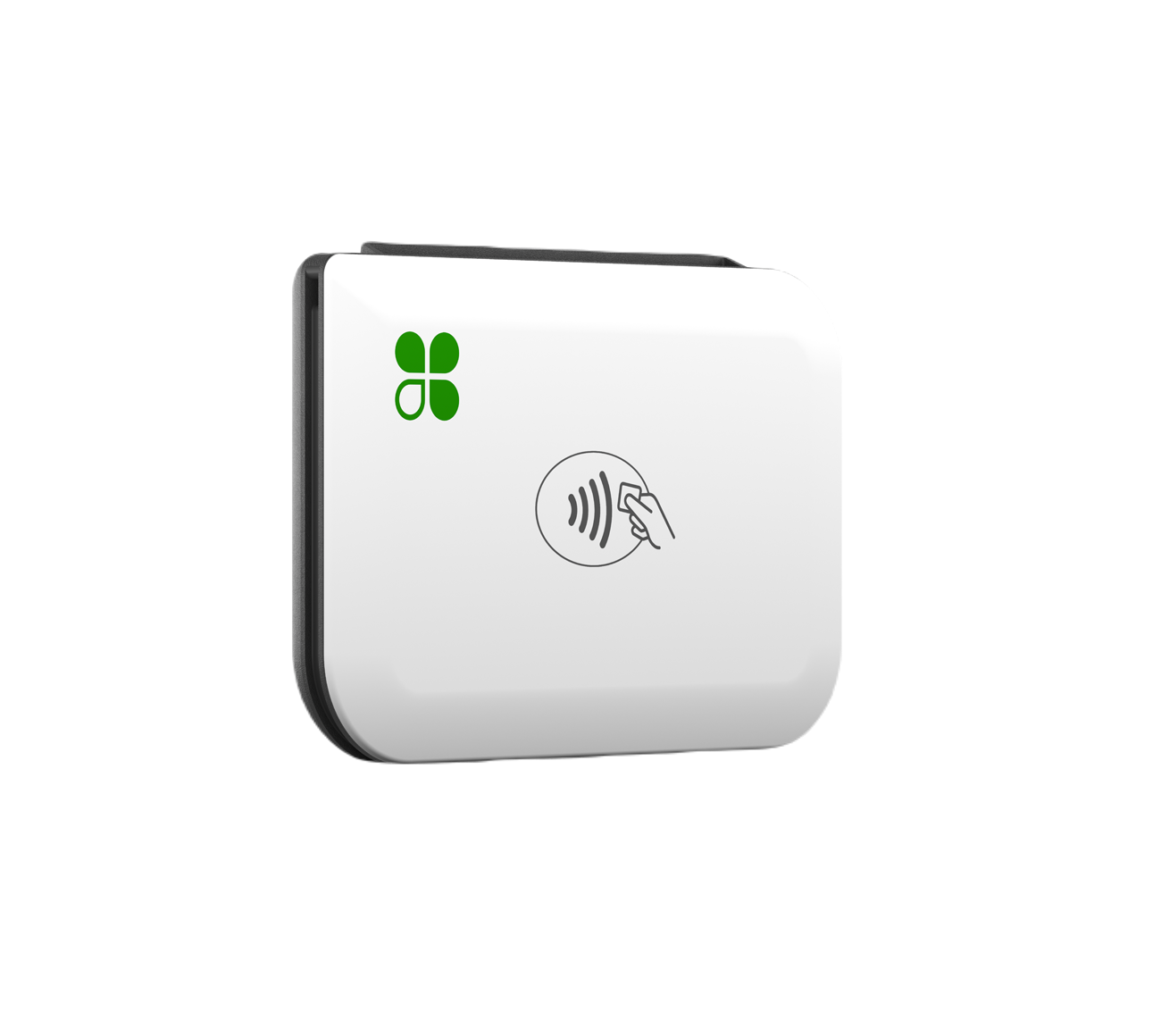
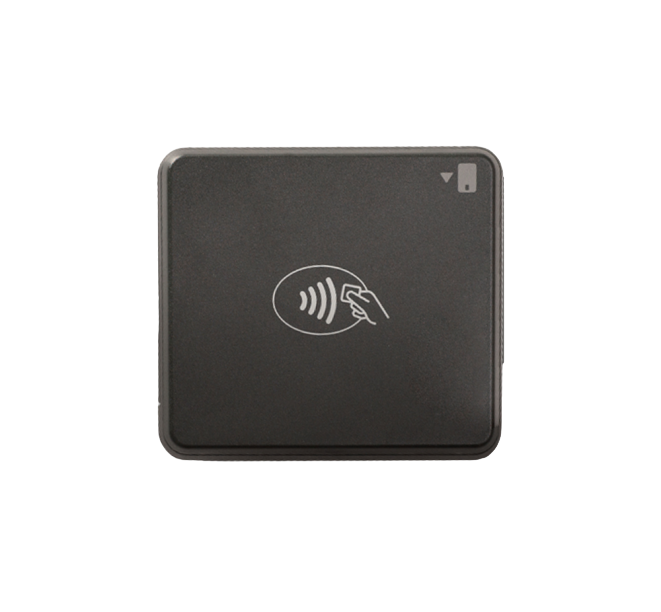
With Clover, your staff can ring up items, apply discounts, add taxes, accept multiple payment types, and provide receipts in just a few steps. Depending on the Clover device you use, customers can pay by chip card, swipe, tap-to-pay, contactless wallet, debit card, credit card, gift card, and other supported payment methods.
For retail stores, speed matters. If your store gets busy during weekends, holidays, lunch hours, or seasonal rushes, every extra second at checkout counts. A modern POS system like Clover helps you reduce delays and keep the line moving.
Clover also allows you to customize your checkout flow. You can organize products by category, add frequently sold items to quick-access screens, and make it easier for cashiers to find the right item without searching manually every time. This is especially useful for stores with large catalogs or many small items.
For example, a convenience store can create categories like drinks, snacks, tobacco, grocery, household items, and lottery-related products. A boutique can create categories like women’s clothing, accessories, shoes, sale items, and gift cards. A beauty supply store can organize products by hair care, skincare, cosmetics, tools, and professional products.
The easier your checkout screen is to use, the fewer mistakes your employees will make.
2. Inventory Management
Inventory is one of the biggest challenges for any retail store. If you do not know what is in stock, what is selling, and what needs to be reordered, you can lose money quickly.
Clover’s inventory tools help store owners organize products, manage item details, track stock levels, and keep the register connected to the products being sold. Instead of guessing what is available, you can create a more accurate view of your store’s inventory.
Retail stores should use Clover inventory features to add product names, prices, categories, SKUs, variants, modifiers, and stock quantities. This helps your staff ring up the correct item and helps you understand what products are moving.
For example, a clothing store can create different variants for size and color. A smoke shop can separate products by brand, flavor, or device type. A grocery store can organize items by department. A gift shop can separate seasonal products from everyday products.
Inventory management is not just about knowing what is on the shelf. It is about understanding which products generate revenue, which items sit too long, and which items need better pricing or promotion.
When your POS system tracks sales and inventory together, you can make smarter decisions. You can see which products sell fast, which items should be reordered, and which products may need to be discontinued.
Without inventory tracking, many retail stores rely on manual notes, spreadsheets, or memory. That can work when the store is small, but as the business grows, it becomes difficult to manage. Clover gives retail owners a better foundation for growth.
3. Product Categories and Item Organization
A clean item catalog makes a huge difference in daily operations. If your products are not organized properly, employees may ring up the wrong item, apply the wrong price, or waste time searching at checkout.
Clover allows retail stores to organize items into categories. This is one of the most basic but most important features every store should use.
Categories make the checkout process faster and also make reporting more useful. Instead of only seeing total sales, you can see which departments or product groups perform best.
For example, a retail store may use categories such as:
Apparel, accessories, cosmetics, electronics, drinks, snacks, household goods, seasonal products, clearance, gift cards, and special-order items.
When categories are set up properly, your sales reports become more meaningful. You can compare category performance and identify where your money is coming from.
If your snack category is growing but your household category is declining, you can adjust ordering. If accessories have high margins and strong sales, you can give them better placement in your store. If seasonal items are not moving, you can discount them earlier.
Good category setup also helps new employees learn the system faster. Instead of memorizing every product, they can navigate by department.
4. Barcode Scanning
For retail stores with many physical products, barcode scanning can save time and reduce errors. Instead of manually searching for items or typing prices, employees can scan the barcode and add the item to the sale instantly.
This is especially helpful for grocery stores, convenience stores, beauty supply stores, liquor stores, vape shops, smoke shops, gift stores, and general merchandise retailers.
Barcode scanning helps improve accuracy. Manual entry can lead to mistakes, especially when employees are new or the store is busy. A wrong price may cause customer complaints, lost revenue, or checkout delays.
With a barcode scanner connected to your Clover setup, your employees can move faster and keep the checkout experience professional.
Barcode scanning also supports better inventory management. When items are properly linked to SKUs or barcodes, sales can be connected to the right product records. That gives you cleaner reports and better stock tracking.
Retail stores should take time to build a proper barcode-based inventory system. It may take effort in the beginning, but it can save many hours later.
5. Discounts, Promotions, and Sales
Retail businesses often rely on promotions to move inventory, attract customers, and increase average ticket size. Clover allows store owners to apply discounts and create promotional pricing in a controlled way.
Instead of telling employees to manually calculate discounts, you can set up discounts inside Clover. This helps make promotions easier to apply and reduces the chance of errors.
For example, your store may run promotions such as:
Buy one, get one offers, percentage discounts, dollar-off discounts, holiday sales, clearance markdowns, loyalty discounts, employee discounts, or manager-approved discounts.
Using Clover to manage discounts helps you keep records of when and how discounts were used. This is important because uncontrolled discounting can hurt profitability.
If employees are allowed to apply discounts without oversight, you may lose money without realizing it. Clover can help you create a more structured process where discounts are easier to track.
Retail owners should review discount reports regularly. If discounts are being used too often, it may be a sign of pricing issues, employee misuse, or excessive markdowns.
Promotions are powerful, but only when they are managed correctly.
6. Customer Profiles
Many retail stores focus only on the transaction, but customer data can be extremely valuable. Clover allows businesses to create and manage customer profiles, which can help with repeat business, marketing, loyalty, and customer service.
When a customer makes a purchase, your store can collect basic customer information such as name, phone number, or email, depending on your setup and customer consent. Over time, this helps you understand who your repeat customers are.
Customer profiles are useful because they allow you to personalize service. If a customer regularly buys a certain type of product, your staff may be able to recommend related items. If a customer returns often, you can reward their loyalty.
For small retail stores, relationships matter. Customers often come back because they feel remembered and appreciated. A POS system that helps track customer history can support that experience.
Customer profiles can also help with returns and exchanges. If a customer does not have a printed receipt, purchase history may make it easier to verify the transaction.
Retail stores should not ignore customer management features. Even simple customer data can help build long-term value.
7. Loyalty and Rewards
Acquiring a new customer is usually more expensive than keeping an existing one. That is why loyalty programs are important for retail stores.
Clover can support loyalty and rewards tools that encourage customers to come back. A loyalty program gives shoppers a reason to return instead of buying from a competitor.
For example, a store can offer rewards such as points per purchase, discounts after a certain number of visits, birthday offers, exclusive promotions, or rewards for frequent buyers.
A good loyalty program does not have to be complicated. Even a simple reward can make customers feel appreciated.
For retail stores, loyalty works best when it is easy for customers and employees. If the program is difficult to explain or hard to redeem, customers may not use it. Clover makes it easier to connect loyalty activity to the checkout process.
Retailers should use loyalty programs to increase repeat visits, improve customer retention, and create stronger relationships with regular shoppers.
If your store already has steady foot traffic, a loyalty program can help convert occasional buyers into repeat customers.
8. Digital Receipts
Printed receipts are still useful, but many customers now prefer digital receipts. Clover allows businesses to provide receipts by email or text, depending on the setup and customer preference.
Digital receipts offer several benefits.
First, they reduce paper waste. Second, they make it easier for customers to keep proof of purchase. Third, they can help your store collect customer contact information when appropriate.
For retail stores, digital receipts can also improve professionalism. Customers appreciate having options. Some want a printed receipt. Some want a text receipt. Some want an email receipt. Clover helps support that flexibility.
Digital receipts may also reduce disputes. If a customer loses a paper receipt, an emailed receipt can help verify the purchase.
Stores that sell products with return windows, warranties, or exchange policies should especially use digital receipts. They make it easier for both the customer and the business to find transaction details later.
9. Employee Management
Your POS system is not just for sales. It can also help you manage your team.
Clover includes employee management features that allow store owners to create employee profiles, assign permissions, and track activity. This is important for security and accountability.
Not every employee should have full access to the POS system. A cashier may need access to ring up sales, but not to change prices, issue large refunds, view sensitive reports, or modify settings.
With employee permissions, you can control who can do what inside the system. This helps reduce mistakes and protect your business.
For example, you may allow managers to approve refunds, apply large discounts, edit inventory, and view reports. Cashiers may only be allowed to process sales and basic returns.
Employee tracking can also help you understand performance. You may be able to see which employees are generating sales, handling transactions, or using discounts.
For retail stores with multiple employees, this feature is extremely useful. It gives the owner more control, even when they are not physically present in the store.
10. Sales Reporting and Analytics
One of the most valuable features of Clover is reporting. Retail store owners need to know more than how much money came in. They need to understand what is selling, when sales are happening, which employees are performing, and which products are profitable.
Clover reporting can help store owners review daily sales, transaction volume, popular items, category performance, payment types, taxes collected, refunds, discounts, and more.
These reports can help answer important questions such as:
What are my best-selling products?
Which days are busiest?
Which hours are slowest?
Which categories generate the most revenue?
How many refunds are being processed?
Which employees are handling the most sales?
Are discounts reducing profit too much?
Are cash and card totals matching properly?
Without reports, many retail owners make decisions based on guesswork. With Clover, you can make decisions based on real sales data.
For example, if your reports show that Saturday afternoon is your busiest time, you can schedule more staff during that period. If a certain product sells best in the evening, you can place it near the checkout counter during peak hours. If a category has low sales, you can rethink pricing or display placement.
Reports are not just numbers. They are business signals. Retail owners who review reports regularly usually have better control over their operations.
11. Refunds and Returns
Returns are part of retail. Customers may return items because of size issues, defects, duplicate purchases, or changed preferences. If your return process is messy, it can create frustration for both customers and employees.
Clover helps retail stores process refunds and returns in a more organized way. Instead of handling returns manually, you can connect them to the original transaction when possible.
This makes the process cleaner and more professional.
A good return process protects the customer experience while also protecting the business. Store owners should have a clear return policy and make sure employees understand how to follow it inside Clover.
For example, you may set rules such as:
Returns accepted within 14 days, exchange only on certain items, no returns on final sale products, receipt required for refund, manager approval required above a certain amount.
Clover can support a more controlled process so returns do not become chaotic.
Retailers should also review refund reports. A high number of refunds may indicate product quality problems, employee mistakes, unclear pricing, or even possible misuse.
12. Multi-Location Management
If you own more than one retail location, managing everything separately can become complicated. Clover can help businesses monitor activity across multiple locations, depending on the setup.
Multi-location visibility is valuable because it lets owners compare performance between stores. You can see which location is doing better, which products sell differently by area, and where inventory may need attention.
For example, one store may sell more beverages while another sells more tobacco products. One boutique location may sell more dresses while another sells more accessories. One store may have stronger weekend sales while another performs better during weekdays.
With better reporting, you can make smarter decisions for each location instead of treating every store the same.
Multi-location management also helps with consistency. You can keep pricing, product categories, and reporting structures more organized.
For growing retailers, this is a major advantage. A POS system should not only work for your current store. It should also support your future growth.
13. Mobile POS Options
Retail is no longer limited to one checkout counter. With mobile POS options like Clover Flex, businesses can accept payments from different areas of the store, at events, curbside, pop-up shops, trade shows, or delivery situations.
Mobile POS can be useful for retail stores that want flexibility.
For example, a clothing boutique can use a mobile device during a busy sale event. A furniture store can take payment directly from the showroom floor. A specialty retailer can use Clover Flex at pop-up markets. A store with curbside pickup can accept payment outside.
Mobile checkout can reduce lines and improve customer convenience. Instead of forcing every customer to wait at one counter, staff can complete transactions wherever it makes sense.
This is especially useful during peak seasons, sidewalk sales, festivals, expos, or holiday shopping periods.
Retailers should think of mobile POS as a way to create a more flexible customer experience.
14. Online Ordering and Pickup
Retail customers increasingly expect online convenience. Even if you operate a physical store, customers may want to browse products, place orders online, and pick them up in-store.
Clover online ordering features can help certain retail businesses accept orders digitally and manage them more efficiently. This is especially useful for stores that sell products customers already know they want, such as convenience items, specialty goods, gift products, packaged foods, or repeat-purchase products.
Online ordering can help you capture sales even when customers do not have time to shop in person. It can also support curbside pickup or local pickup workflows.
For example, a customer may order a gift basket online and pick it up later. A convenience store customer may order snacks and drinks before arriving. A beauty supply customer may place an order for specific products and collect them in-store.
Retailers should consider online ordering if they want to increase convenience and compete with larger stores.
Even if online ordering does not fit every retail model, having digital ordering options can help modernize your customer experience.
15. Gift Cards
Gift cards are a powerful feature for retail stores. They help bring in upfront revenue and encourage future visits.
Clover can support gift card programs, allowing customers to buy gift cards for friends, family, employees, or special occasions. Retail stores should use gift cards especially during holidays, birthdays, graduation season, Mother’s Day, Father’s Day, Valentine’s Day, and local events.
Gift cards are useful because they introduce new customers to your store. When someone receives a gift card, they may visit your business for the first time. If they enjoy the experience, they may become a repeat customer.
Gift cards can also increase average order value. Many customers spend more than the value of the gift card when they redeem it.
For example, a customer with a $50 gift card may end up spending $75. That creates additional revenue for your store.
Retail stores should promote gift cards at checkout, on social media, through email marketing, and during seasonal campaigns.
16. App Market and Add-On Tools
One of Clover’s strengths is that it can be expanded with apps and integrations. Retail stores have different needs, and not every business runs the same way. Clover’s app ecosystem allows merchants to add tools that fit their operations.
Depending on your business, you may use apps for loyalty, payroll, accounting, scheduling, advanced inventory, marketing, customer engagement, eCommerce, employee management, or industry-specific workflows.
This flexibility is important because your POS needs may change over time.
A small boutique may start with basic checkout and inventory. Later, it may add loyalty, email marketing, and advanced reporting. A convenience store may add age verification tools, inventory apps, or accounting integrations. A growing retail business may add employee scheduling or multi-location tools.
The key is to avoid overloading your system with unnecessary apps. Start with the features that solve your biggest problems first.
For most retail stores, the most useful add-ons are usually related to inventory, loyalty, reporting, customer marketing, accounting, and employee management.
17. Tax Management
Retail stores need to collect the correct sales tax based on their location and product type. Clover can help apply taxes during checkout so that the correct amount is added to the sale.
This is important because sales tax mistakes can create accounting problems. If taxes are not collected properly, the business may have to pay the difference later.
Retailers should make sure tax settings are configured correctly from the beginning. If your store sells products with different tax rules, you should organize them properly inside the POS system.
For example, some locations may tax certain items differently. Some products may be taxable while others may not be. Some stores may need different tax rates for different categories.
A properly configured Clover system helps reduce manual calculations and keeps checkout consistent.
Retailers should review tax reports regularly and work with their accountant or tax professional to make sure everything is accurate.
18. Cash Tracking and End-of-Day Closeout
Even in a card-heavy world, many retail stores still accept cash. Managing cash properly is important for preventing shortages, mistakes, and confusion.
Clover can help track cash transactions and support end-of-day closeout procedures. Your staff can compare expected cash totals with actual cash in the drawer.
This helps identify issues such as incorrect change, missed transactions, or cash handling mistakes.
Retail owners should create a consistent daily closeout process. Employees should know how to count the drawer, review sales, record cash totals, and report differences.
A strong closeout process helps protect the business and makes bookkeeping easier.
For stores with multiple shifts, cash tracking is even more important. If two or three employees use the same drawer without accountability, it becomes difficult to identify where mistakes happened.
Clover’s employee and reporting features can help create better visibility.
19. Tips for Better Store Operations
Retailers can get more value from Clover by setting it up carefully. A POS system is only as good as the way it is used.
Here are some best practices for retail stores using Clover:
Keep your item catalog clean and updated.
Use clear product names and categories.
Add SKUs or barcodes when possible.
Train employees on checkout, refunds, discounts, and customer lookup.
Review reports weekly, not just monthly.
Use employee permissions to protect sensitive functions.
Track discounts and refunds carefully.
Promote loyalty and gift card programs.
Use digital receipts to improve customer convenience.
Update inventory regularly.
Use mobile POS during busy periods.
Connect apps only when they solve a real business need.
The goal is not just to have a modern POS system. The goal is to use it in a way that improves the business.
20. Why Retail Stores Should Not Treat Clover Like a Basic Terminal
Many store owners invest in Clover but only use a small part of what it can do. They accept payments, print receipts, and stop there.
That is a missed opportunity.
Clover can help you understand your business better. It can show you what sells, when customers shop, which employees are active, which products need attention, and where your store can improve.
A basic terminal only processes payments. A smart POS system helps you run the business.
Retail stores that use Clover properly can improve checkout speed, reduce mistakes, control inventory, build customer loyalty, and make better decisions.
In a competitive retail market, these advantages matter.
Customers have more choices than ever. They can buy from big-box stores, online marketplaces, local competitors, and social media sellers. To keep customers coming back, your store needs to be efficient, professional, and easy to shop from.
Clover gives retail businesses the tools to support that experience.
21. How Merchant Marvels Helps Retail Stores Get Started with Clover
Choosing the right Clover setup can be confusing. Different stores need different devices, software plans, payment structures, and features.
That is where Merchant Marvels can help.
Merchant Marvels works with retail businesses to provide POS solutions that fit their actual operations. Whether you need a countertop system, handheld device, inventory setup, customer loyalty tools, or a complete retail checkout solution, Merchant Marvels can help guide you through the process.
For many qualified businesses, Merchant Marvels offers free Clover POS equipment placement options with no long-term contract and no cancellation charges. This can make it easier for retail owners to upgrade their checkout system without heavy upfront equipment costs.
Merchant Marvels can also help retail stores understand payment processing options, including traditional flat-rate pricing, interchange-plus pricing, and no-fee or surcharge-style programs where applicable and legally allowed.
The goal is simple: help retail businesses accept payments, reduce friction, improve operations, and keep more control over their store.
Conclusion
Clover POS is not just a machine for taking payments. For retail stores, it can become a complete operations tool.
The most important Clover POS features every retail store should use include fast checkout, inventory management, product categories, barcode scanning, discounts, customer profiles, loyalty rewards, digital receipts, employee management, sales reports, refunds, mobile POS, online ordering, gift cards, app integrations, tax settings, and cash tracking.
When these features are used properly, Clover can help retail businesses save time, reduce mistakes, improve customer service, and make better decisions.
If you already have Clover, now is the time to make sure you are using it fully. If you are still using an old cash register, basic terminal, or outdated POS system, upgrading to Clover may help your store run more smoothly.
Retail success depends on more than selling good products. It depends on having the right systems in place.
A well-set-up Clover POS system can help your retail store operate faster, smarter, and more professionally every day.
Merchant Marvels can help you choose the right Clover solution for your retail business and guide you through setup, training, and payment processing options.
If your retail store is ready to upgrade its checkout experience, improve inventory control, and use a POS system that does more than just accept payments, Clover may be the right solution to consider.
How Merchant Marvels’ Free Equipment Placement Program Benefits Business Owners
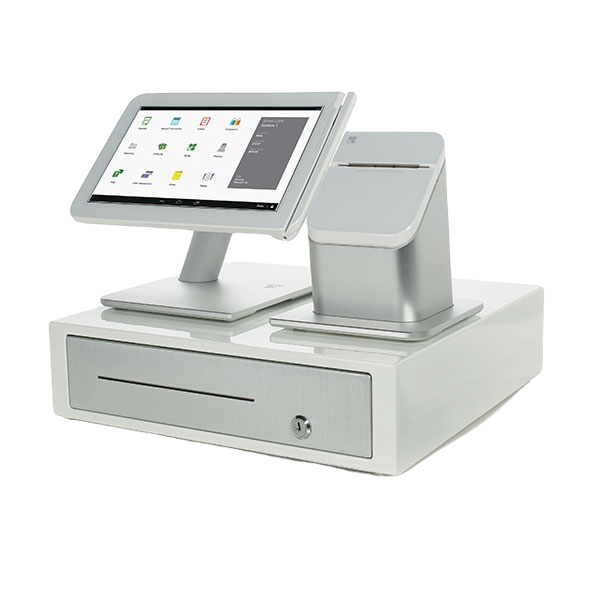
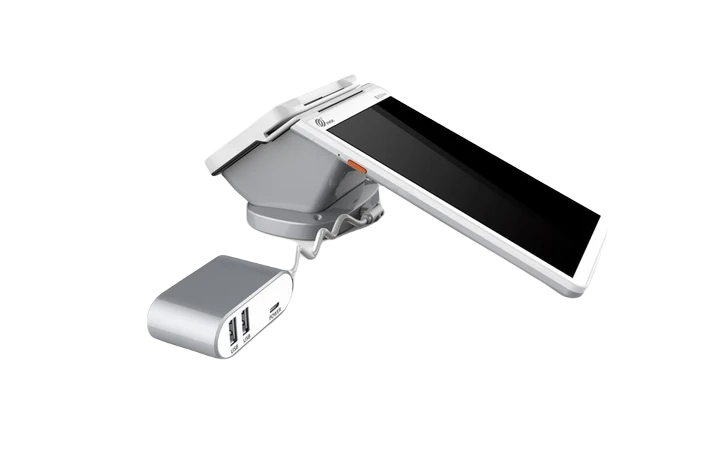
One of the biggest challenges for retail business owners is the upfront cost of upgrading to a modern POS system. Many stores know they need better equipment, faster checkout, inventory tools, and professional reporting, but they delay upgrading because buying POS hardware can be expensive. A full retail POS setup with a Clover Station, handheld device, receipt printer, cash drawer, barcode scanner, and other accessories can quickly become a major expense for a small business.
Merchant Marvels’ Free Equipment Placement Program is designed to solve that problem. Instead of forcing business owners to spend thousands of dollars upfront on POS equipment, Merchant Marvels can provide qualified retail businesses with Clover equipment through a placement program. This allows the business to start using modern POS technology without a large upfront equipment purchase.
This is especially helpful for small and growing retail stores that need to protect cash flow. Instead of tying up money in hardware, the business owner can use that cash for inventory, payroll, marketing, store improvements, rent, or other operating expenses. For many retailers, cash flow is one of the most important parts of staying healthy, and avoiding a large equipment purchase can make a real difference.
The program also gives business owners access to professional-grade Clover POS features such as faster checkout, inventory management, employee permissions, reporting, customer profiles, loyalty tools, gift cards, digital receipts, and mobile payment options. These tools can help a retail store run more efficiently and provide a better customer experience.
Another major benefit is flexibility. Merchant Marvels’ program is built around helping businesses upgrade without long-term pressure. With no long-term contract and no cancellation charges, eligible businesses can feel more comfortable moving forward because they are not locked into a difficult agreement just to get better equipment.
Merchant Marvels also helps with setup, activation, and training, so business owners are not left trying to figure everything out alone. The goal is not just to provide equipment, but to make sure the store can actually use the system properly. From setting up items and categories to understanding payments, reports, and daily operations, proper support can make the transition much smoother.
For retail stores that are still using an outdated terminal, old cash register, or manual tracking system, the Free Equipment Placement Program can be a practical way to modernize. It gives business owners access to Clover POS technology while reducing upfront cost, improving daily operations, and helping the store look more professional at checkout.
In simple terms, Merchant Marvels’ Free Equipment Placement Program helps retail business owners upgrade their POS system, protect cash flow, improve customer service, and access modern business tools without the heavy upfront cost of buying equipment outright.