Most salon and barbershop owners inherited their card setup. Somebody walked in with a terminal, you signed a page you didn’t read, and ever since then a number gets pulled out of your account every month that you’ve never fully explained to yourself. It works. Cards go through. So it stays.
That’s fine right up until you do the math on a year of it.
Payment processing for salons is a different problem than payment processing for a restaurant or a shop, and most owners are running a setup that was designed for one of those other businesses. Salons have small average tickets, heavy tipping, staff who each handle their own clients, appointment books that live or die on people showing up, and a lot of repeat customers who come in every four to six weeks. Every one of those things changes what a good payment setup should look like — and every one of them is a place where the wrong setup quietly costs you money.
This post walks through the four things that actually matter for a salon or barbershop: taking payment at the chair, handling tips, protecting yourself against no-shows, and dealing with the small-ticket problem. Then it covers how our free equipment placement program lets you fix all of it without paying for hardware up front.
Why salon payments cost more than they should
Start with the shape of your business.
A restaurant’s average ticket might be $60. A furniture store’s might be $1,200. A barbershop’s is $28. A salon doing colour and cuts might average $85, but you’ve also got the $15 beard trims, the $20 kids’ cuts, the $12 product add-on at the counter.
Card processing costs you two things on every sale: a percentage, and a flat per-transaction amount. The percentage scales with the ticket. The flat piece doesn’t. On a $1,200 sale, a fixed per-transaction fee is a rounding error. On a $15 beard trim, it’s a meaningful slice of the money — and the smaller your average ticket, the higher your effective rate climbs, even though the rate on paper never moved.
That’s the first thing eating your margin, and it’s the thing almost nobody explains when they sell you a terminal.
The second thing is volume of transactions. A busy barbershop with four chairs might run 60 to 100 card transactions a day. Compare that to a boutique doing fifteen. You’re not a low-volume business — you’re a high-transaction, low-ticket business, which is the exact profile that gets hurt most by a generic processing setup.
The third thing is tips, which we’ll get to, because tips are a real cost most owners have never thought about at all.
None of this means you should stop taking cards. Nobody carries cash for a haircut anymore and telling clients “cash only” is a good way to lose them to the shop down the street. It means the setup has to be built for how a salon actually runs.
1. Chair-side payments: stop making people walk to the counter
Here’s a small thing that turns into a big thing.
In most shops, the client gets up from the chair, walks to the front desk, waits behind somebody who’s booking their next appointment, and pays there. Meanwhile the stylist is either standing at the desk running the transaction — not cutting hair — or the front desk person is juggling checkout, phones, and walk-ins at the same time.
At three or four minutes per checkout across sixty clients a day, that’s hours of somebody’s time going into card handling.
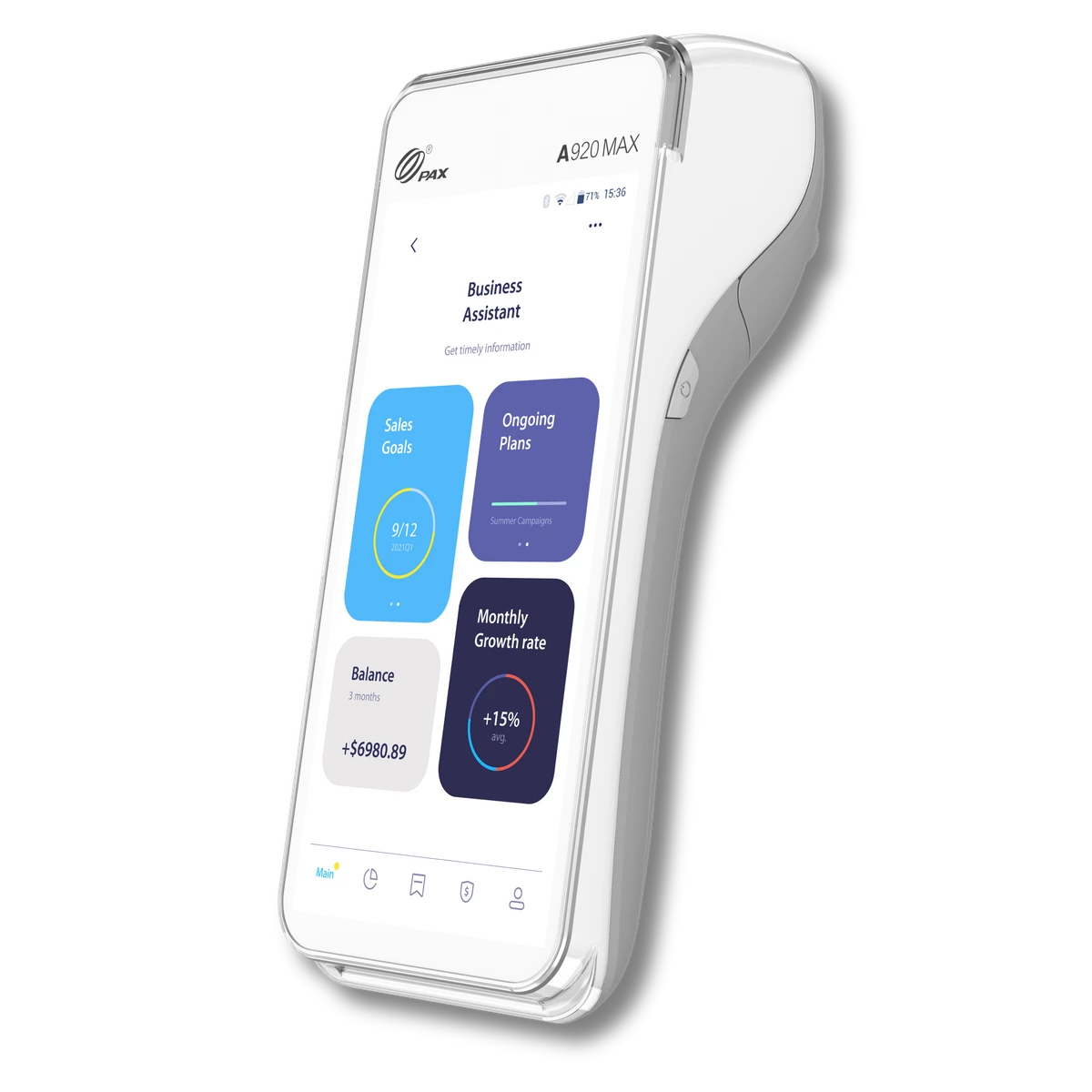
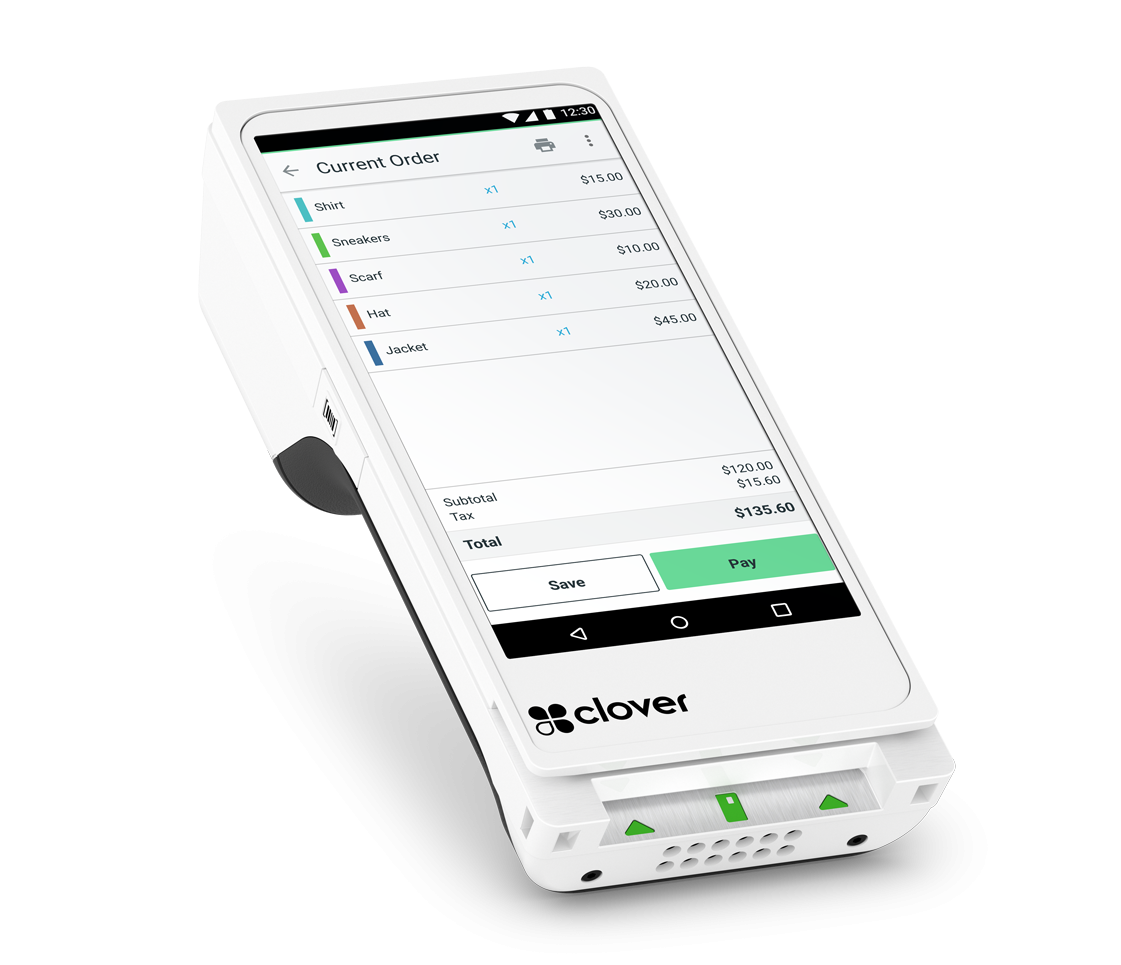
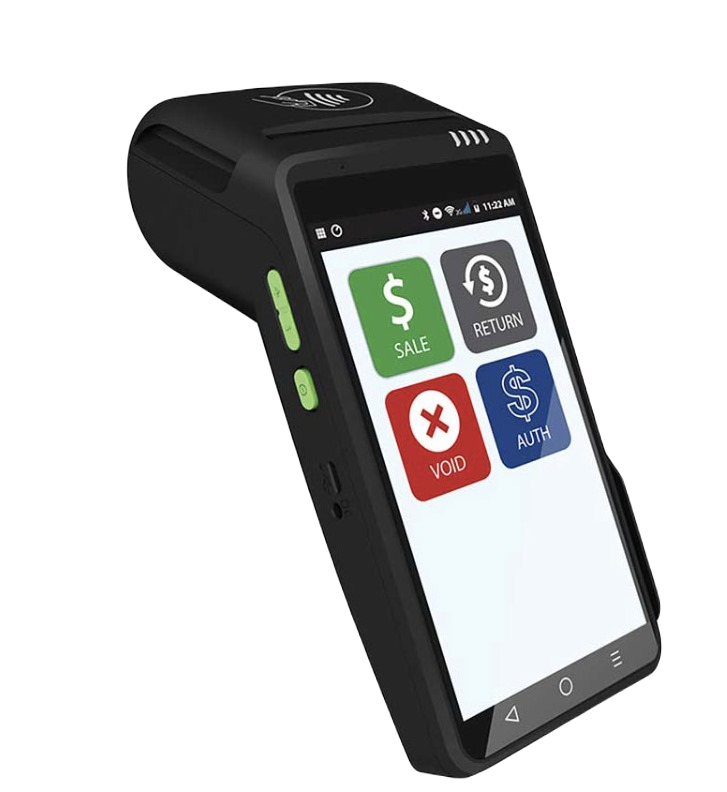
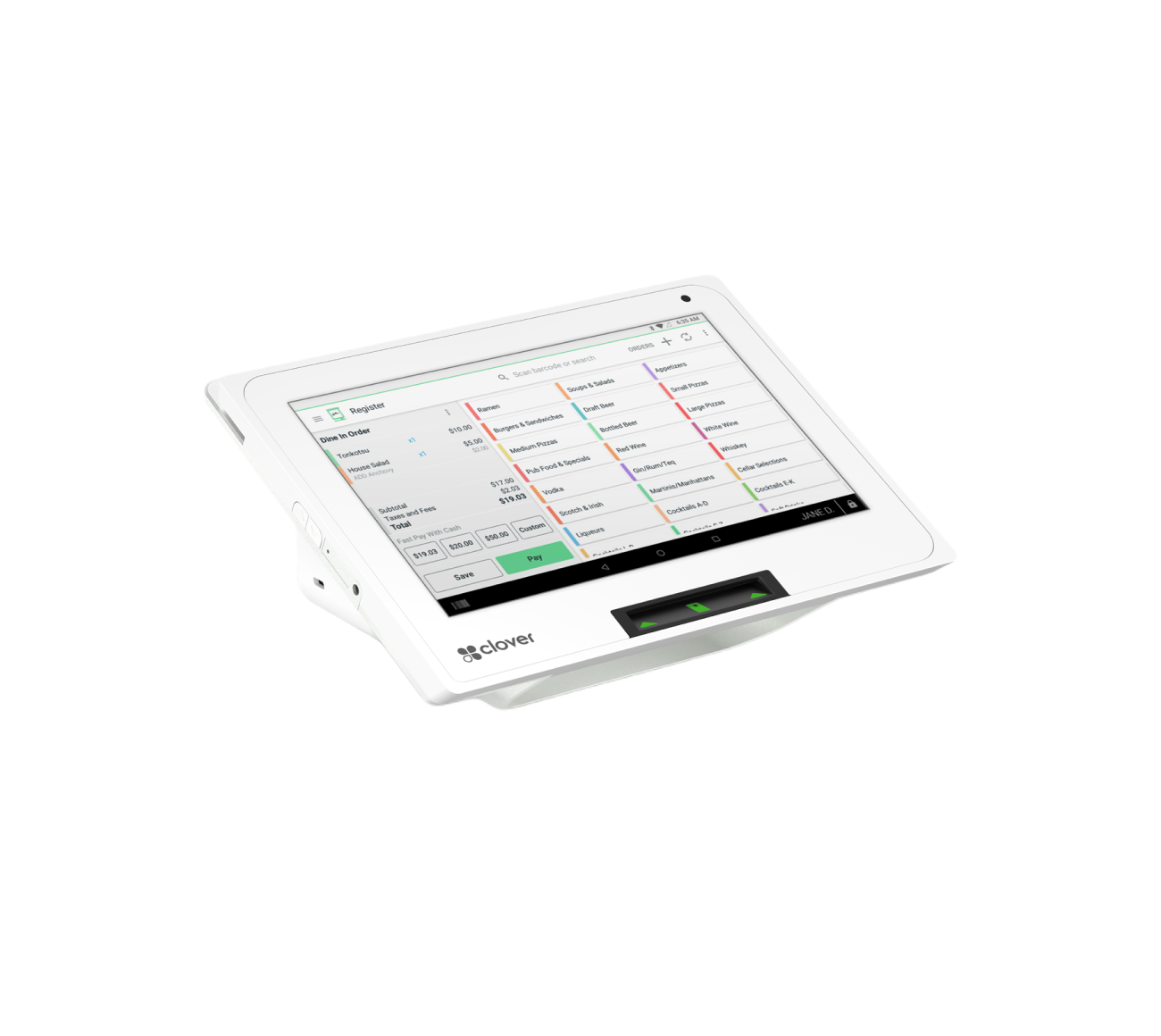
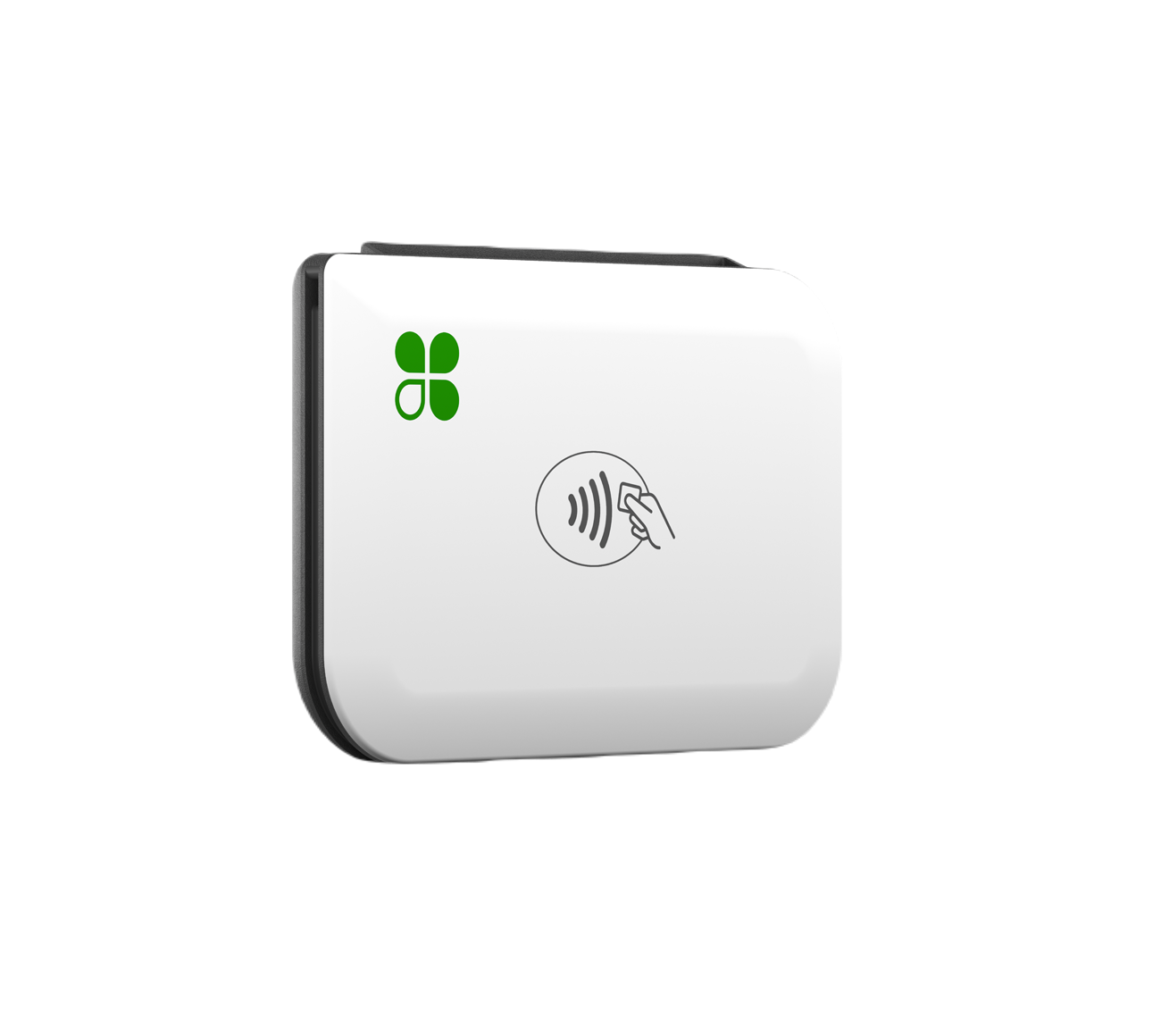
The fix is a handheld terminal that goes to the client instead of the client going to the terminal. A Clover Flex is a small handheld device with a built-in printer and scanner, it runs on WiFi or cellular data, and it accepts every card type plus Apple Pay, Google Pay, and Samsung Pay. The stylist finishes, taps a couple of buttons, hands the device to the client, and the client pays right there in the chair while the stylist starts cleaning up their station.
Three things get better immediately:
Checkout stops being a bottleneck. The front desk isn’t the choke point for every departure. Clients aren’t standing around at the reception area while somebody hunts for the right ticket.
Tips go up. This is well documented in service businesses generally — when a customer is handed a device by the person who actually did the work, and the tip screen is in front of them, they tip more than they do at an impersonal counter. It’s not a trick; it’s just that the person who served them is standing there and the prompt is right in front of them.
Each chair can be its own checkout. In a shop where stylists are booth renters or work on commission, giving each chair its own device means each stylist controls their own tickets and their own tip reporting. No arguments at the end of the night about who got which tip.
For a lot of shops the ideal layout is one main station at the front desk — for booking, retail product sales, gift cards, and the cash drawer — plus one or two handhelds that float between the chairs.
2. Tipping: the part that quietly costs you money
Tips are where salon payment processing gets genuinely different from every other business type.
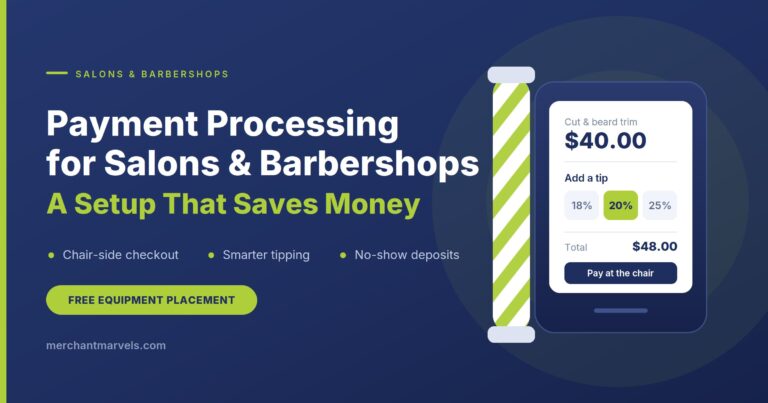
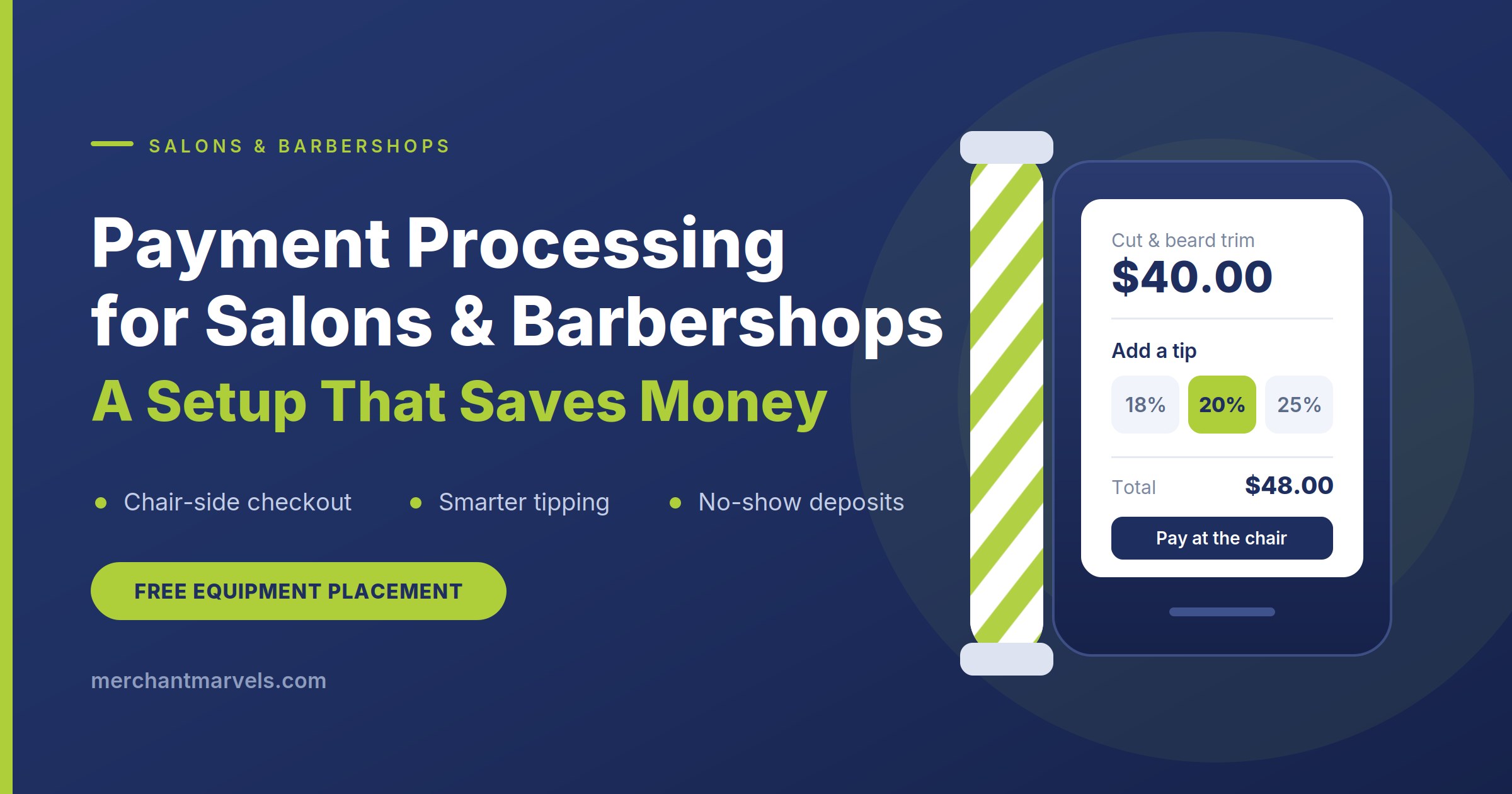
Think about what happens on a $40 haircut with an $8 tip. The card runs for $48. If your processing cost is around 3%, you paid roughly $1.44 in fees on that transaction — but $0.24 of that was on the tip. Money that never belonged to you, that you handed straight to your stylist, and that you paid a processing fee to move.
Do that sixty times a day, six days a week, and you’re paying real money every year to process other people’s tip income.
Two things fix this.
First: how the tip is prompted. A properly configured device asks for the tip on screen, after the service amount is entered, with suggested percentages that make sense for your price points. Suggested amounts that are calculated on the service total — not preset dollar amounts that look absurd on a $15 trim. And a custom-amount option so people who want to tip in cash or tip differently aren’t forced into a bad choice.
Second: how the tip interacts with your fee program. If you’re running a surcharge or cash discount program (more on both in a minute), the program should be configured so that it applies to the service amount, not the tip. Your clients shouldn’t be paying a surcharge on the money they’re voluntarily handing your stylist, and you shouldn’t be either. This is a configuration detail that a lot of setups get wrong, and it’s the kind of thing we check before a salon ever goes live.
There’s a third piece that matters for shops with staff: tip reporting by employee. Clover’s employee management tools let each stylist clock in and be assigned to their own tickets, so at the end of the week you can pull a report showing exactly what each person earned in tips. That saves you an argument, and it saves your bookkeeper a headache at tax time.
3. Deposits and no-shows: the biggest hidden cost in the building
Ask a salon owner what their processing costs them and they’ll say a number. Ask them what no-shows cost them and most of them have never calculated it.
Here’s the calculation. If you have four chairs, each doing eight appointments a day, and 8% of appointments no-show or cancel same-day, that’s roughly two and a half hours of empty chair time daily. At an $85 average colour ticket, that’s a few hundred dollars a day walking out the door — every day — in revenue that was booked and then evaporated.
That’s almost certainly bigger than your entire monthly processing bill.
The payment system is where you fix it, because the fix is taking a card at booking.
Deposits at booking. For high-value services — colour, extensions, keratin, anything that blocks out two or three hours — you take a deposit when the appointment is made. It doesn’t have to be large. $25 on a $200 service is enough to change behaviour, because the moment somebody has money on the line, they either show up or they call to reschedule. Both outcomes are better than silence.
Card on file with a stated policy. For regular appointments, you store the card at booking and apply a cancellation fee if they cancel inside your window — 24 hours is typical — or don’t show. The card is stored securely on the processor’s side; you’re not writing card numbers on an index card in a drawer.
Three practical warnings, because this is the area where shops get themselves into trouble:
- Write the policy down and get it agreed to. Post it at the desk, put it in the booking confirmation text, and get the client to acknowledge it when they book. A no-show fee charged to somebody who never agreed to a no-show policy is a chargeback waiting to happen — and chargebacks cost you the sale plus a fee plus your time putting together documentation.
- Card-not-present transactions cost slightly more. When you key a card in or charge a stored card rather than dipping it in front of the customer, there’s a small additional authorization cost on non-swiped transactions. It’s a few cents. It’s not a reason to avoid deposits — collecting $25 to protect a $200 booking is obviously worth three cents — but you should know it exists rather than discovering it on a statement.
- Be reasonable about enforcement. The point of a deposit policy isn’t to collect no-show fees. It’s to make no-shows stop happening. Most shops that put a policy in place find their no-show rate drops sharply and they rarely have to charge anybody. That’s the win. Waiving the fee for a regular who had a genuine emergency costs you nothing and keeps a client for another ten years.
4. The small-ticket problem: cash discount vs. surcharge
Now the part that actually moves the number at the bottom of your statement.
There are two programs that stop processing fees from coming out of your margin, and the right one depends on what kind of business you’re running.
Surcharge program
A surcharge adds a percentage to credit card transactions, paid by the cardholder. In our standard setup, that’s 3% on credit, added at checkout, with the device detecting the card type automatically so nobody at the front desk has to make a judgment call.
The rule you have to know: you cannot surcharge debit cards. Not signature debit, not PIN debit, not a debit card that runs on a credit network. That’s a card brand rule, not a Merchant Marvels rule, and violating it gets you fined. In our program, the 1.5% on debit is billed to us and to the merchant — it never touches your customer’s ticket. The device sorts credit from debit on its own, so the correct thing happens without your staff needing to think about it.
Surcharging is generally the better fit for an established shop where clients already know your prices. You’re not changing your price list; you’re adding a clearly disclosed line item on credit transactions only.
Cash discount / dual pricing
Cash discount works the other way around. Your listed prices go up by 3%, and anyone paying cash gets a 3% discount off the listed price. Cards — all cards, credit and debit — pay the listed price.
Two reasons this often suits salons better than surcharging:
It covers debit too. Since debit can’t be surcharged, a surcharge program leaves the debit cost sitting with you. Dual pricing doesn’t have that carve-out, because it’s structured as a discount for cash rather than a fee on cards. For a barbershop where a big share of transactions are debit, this matters.
It’s cleaner on small tickets. A 3% surcharge on a $15 trim is 45 cents, and it appears as a separate line that the customer notices. A price list showing $16 with a cash price of $15 is just a price list. Nobody argues with a price list.
Cash discount is the program we usually recommend for new shops — if you’re opening, you set your prices once, in the dual-pricing structure, and there’s never a “why did this go up” conversation because there was never a before.
Either way, the point is the same: your processing cost stops being a variable expense that grows with your revenue. The service you charge $40 for actually puts $40 in your account.
One more thing that matters specifically for salons: whichever program you choose, it should be configured so the surcharge or price adjustment applies to the service, not the tip. Ask about this. A lot of setups don’t do it right.
How the free equipment placement program works
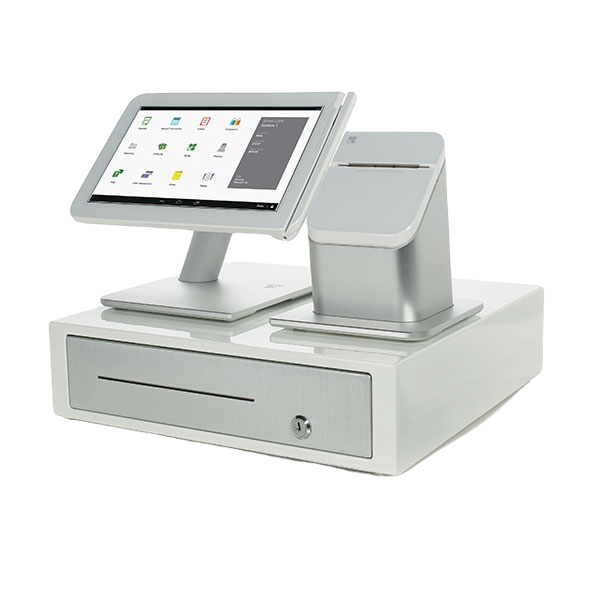
Here’s the part that stops most owners from upgrading a setup they know is costing them money: hardware is expensive. A Clover Station Duo with a cash drawer is a couple of thousand dollars at list price. Handhelds add more. For a shop with three chairs, buying the equipment outright is a serious capital decision, and “the terminal we have works” starts sounding pretty reasonable.
That’s exactly the problem the free equipment placement program solves.
What it means: we place the equipment in your shop at no upfront cost and no rental cost. Not a lease. Not financed. Not “free with a three-year commitment and a $500 buyout.” You get the devices, they’re configured for your business, and you don’t write a cheque for hardware.
How you keep it: the devices stay with you for as long as you’re processing with Merchant Marvels. There’s no contract holding you in and no cancellation fee — the agreement is written with a $0.00 early termination fee, which means you can leave whenever you want without paying to get out.
The one thing to be clear about: placed equipment isn’t a gift. It stays the property of the placing company. If you ever stop using our services, the devices go back — we email you a return label and you ship them. That’s the whole trade. You don’t pay for hardware; you don’t own the hardware. For a salon owner, that’s usually the right side of the trade, because hardware depreciates and your capital is better spent on chairs, product, or a stylist’s chair rent.
What you actually pay monthly: a $20/month merchant service fee — that’s $10 for TransArmor device security and $10 for merchant services, and it includes 24/7 live support directly on the Clover device — plus the Clover software plan you choose. The software plan depends on what you want the system to do: appointment scheduling, staff management, inventory for your retail shelf, customer records. We’ll walk you through which plan actually fits your shop rather than defaulting you into the biggest one.
What’s included in the software: inventory management for retail products, order management, employee management for your stylists, and free device replacement if something fails.
Shipping: the bank charges $99 for overnight shipping on placed equipment. We ship ground and cover that cost ourselves. On the rare occasion the bank bills a shipping or handling fee directly to a merchant instead of to us, we reimburse it.
One more note on the program’s limits, because we’d rather tell you now than have you find out later: free placement covers one terminal. If your shop needs a full station at the desk plus two handhelds at the chairs, the additional devices are priced separately — typically a modest monthly amount per device. We’ll quote you the whole thing up front so there are no surprises on your first statement.
What a typical salon setup looks like
For a three-to-four chair shop, this is usually the shape of it:
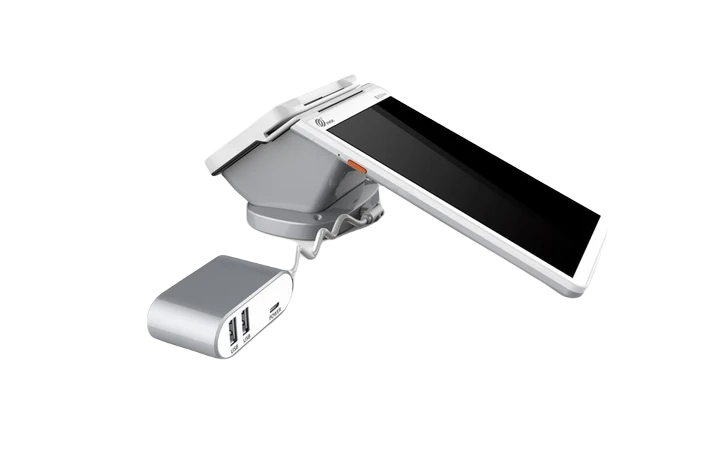
- One Clover Station Duo at the front desk — booking, retail sales, gift cards, cash drawer, end-of-day reporting.
- One or two Clover Flex handhelds at the chairs for chair-side checkout and tipping.
- Card on file enabled with a written deposit and cancellation policy for high-value services.
- Tip prompts configured on percentage of service, with a custom option, and set so the fee program doesn’t touch tips.
- Cash discount or surcharge, chosen based on whether you’re an established shop or a new one, and on your debit mix.
- Employee logins so each stylist’s sales and tips report separately.
Setup and configuration happen before the equipment ships, so it arrives ready to run rather than as a box you have to figure out on a Tuesday morning with four clients waiting.
Two compliance things you should know
We’d rather you hear these from us than from a statement.
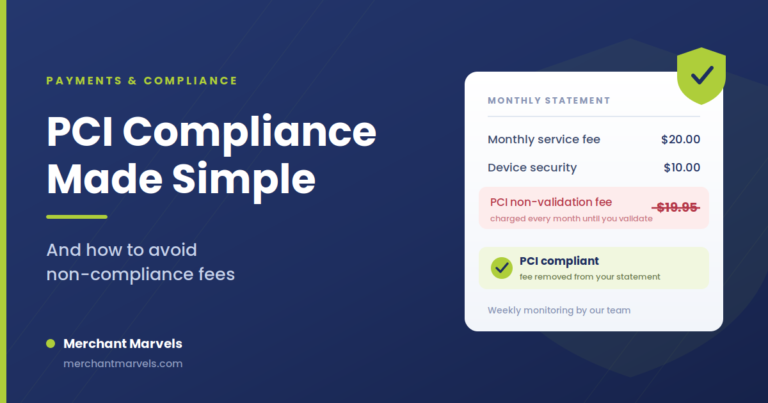
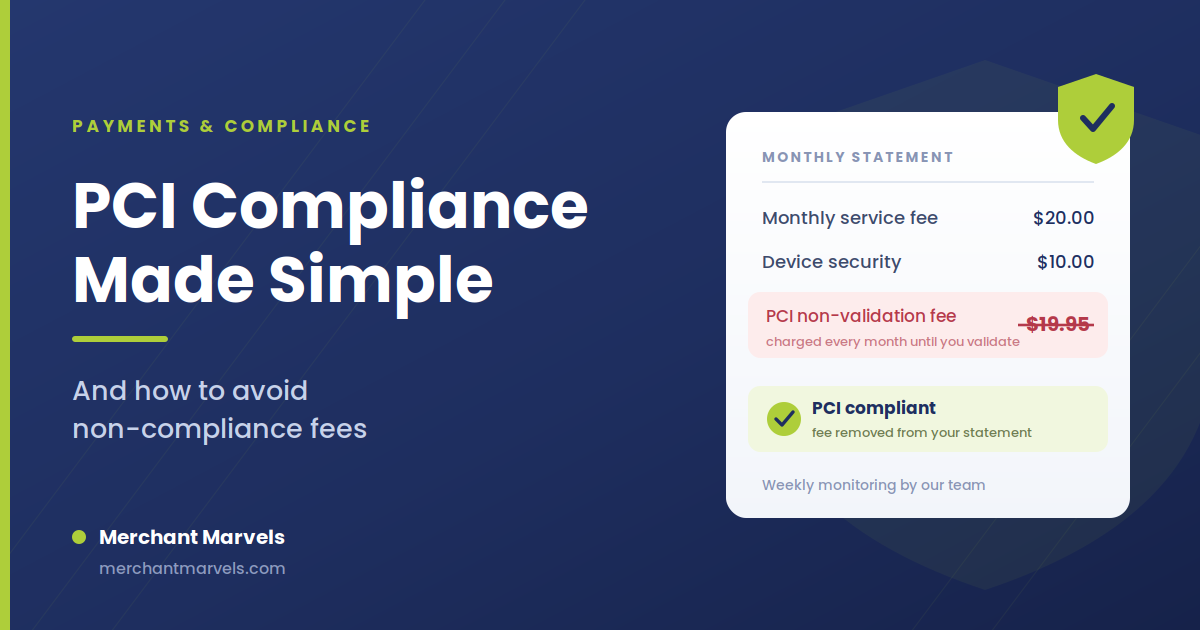
PCI compliance. You have 60 days from account opening to complete PCI compliance — it’s a questionnaire, it takes about fifteen minutes, and we walk you through it. If it isn’t completed, a $19.95 non-validation fee applies monthly. It’s entirely avoidable and we’ll remind you.
Surcharge rules vary by state. Surcharging is legal in most of the country but there are state-level rules on disclosure, signage, and in a couple of places on surcharging at all. Cash discount programs are broadly permitted everywhere. Since we operate nationwide, we set your program up according to the rules where you actually operate — you don’t need to research this yourself.
The bottom line
A salon or barbershop has a payment profile that generic processing setups handle badly: small tickets, high transaction counts, heavy tipping, and a booking calendar that leaks money through no-shows.
Fix those four things — chair-side checkout, tip configuration, deposits on the calendar, and a cash discount or surcharge program sized to your ticket average — and you’re looking at a materially different number at the end of the year. Not from squeezing your clients. From not paying for structure you never needed.
And with free equipment placement, there’s no capital decision standing in the way. No upfront cost, no rental, no contract, no cancellation fee. If it doesn’t work for you, you send the equipment back and you’re out nothing.
We’ll tailor a setup to your salon — book a quick call.
Tell us how many chairs you have, what your average ticket looks like, and how you handle bookings today. We’ll come back with the exact configuration, the exact monthly cost, and an honest answer about whether it’s worth switching. Fifteen minutes, no pressure.