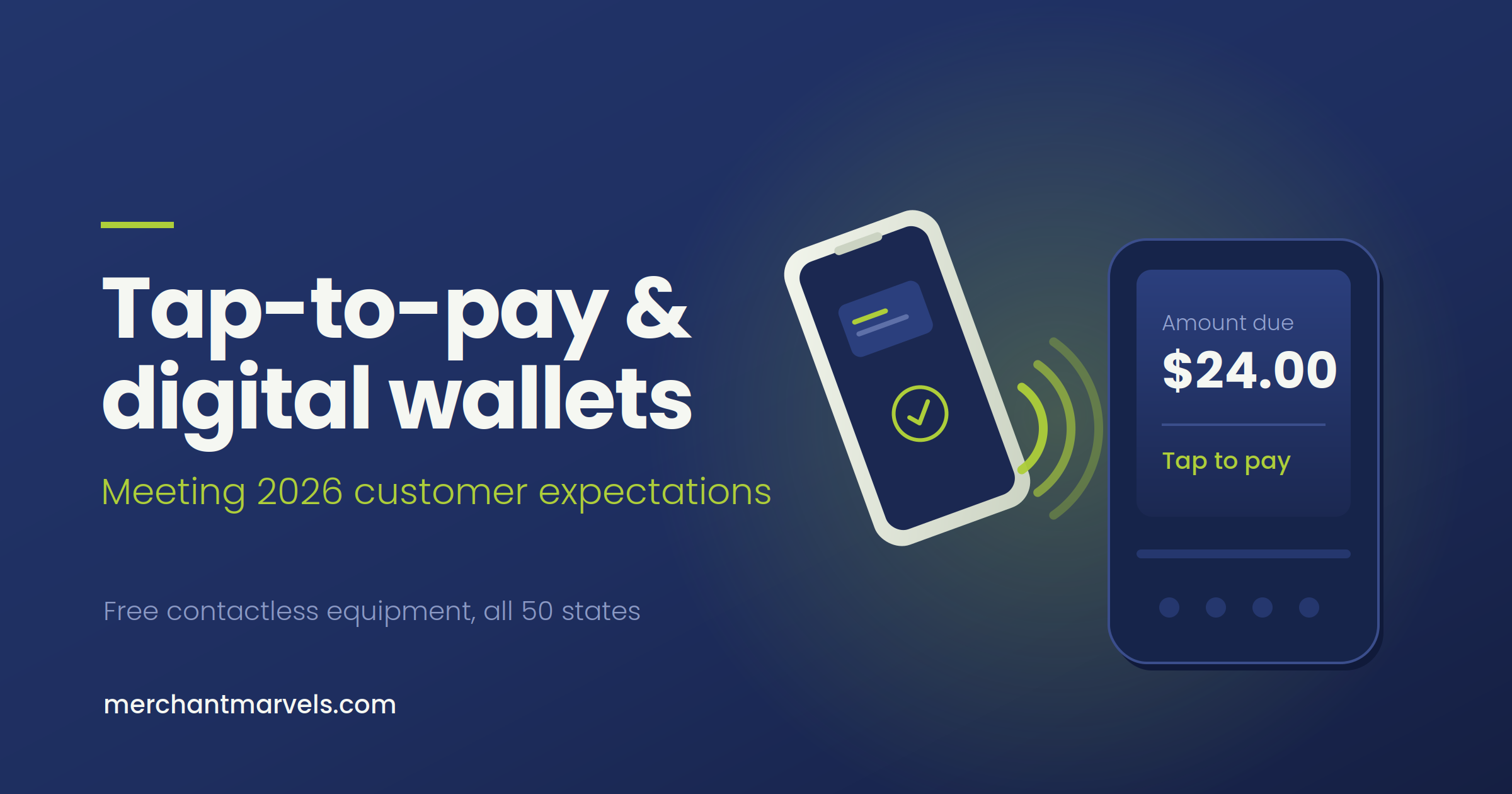
There’s a moment that happens dozens of times a day in small businesses across the country, and most owners never see it.
A customer walks up to the counter, phone already in hand, thumb hovering over the side button. They lift the phone toward your terminal. Nothing happens. The employee says, “Sorry, we can only do chip or swipe.” The customer pauses, digs through a bag or a back pocket, finds a physical card, and the transaction eventually goes through.
That’s the good version. In the bad version, the customer doesn’t have the physical card at all — because they stopped carrying it two years ago — and the sale walks out the door.
If you’re still running a terminal that can’t read a tap, this is happening in your business right now. You just don’t have a report that shows it.
This post is about what changed, what your customers now expect by default, what an outdated terminal actually costs you, and how to fix it without paying for new hardware.
Contactless isn’t a trend anymore — it’s the baseline
Let’s start with where adoption actually sits.
In 2026, the majority of in-person card transactions in the United States are contactless. Depending on which dataset you look at, the figure lands somewhere between 60% and 68% of face-to-face card payments — tap-to-pay cards, Apple Pay, Google Pay, Samsung Pay, and wearables combined. Wallet acceptance among US merchants has climbed to roughly 92%, trailing only plain debit and credit acceptance.
Read that second number again, because it’s the one that matters for you. When 92% of merchants accept wallets, the 8% who don’t aren’t “behind the curve.” They’re the exception the customer notices.
A few more data points worth knowing:
- Mobile wallet use in stores roughly doubled year over year. PYMNTS Intelligence found the share of US consumers who had used a mobile wallet in-store in the past week jumped from 14% to around 31%.
- Apple Pay dominates the tap. Roughly half of US in-store mobile wallet taps carry the Apple Pay logo, with Google Pay taking about 30%. If your terminal handles both, you’ve covered the overwhelming majority of wallet users.
- Younger customers expect it and will leave over it. A 2025 Mastercard study found 82% of consumers aged 18–44 expect businesses to accept contactless payments, and 29% of that group said they’d pick a different store or restaurant if their preferred one didn’t take tap-to-pay.
- Cart abandonment is measurable. A FinanceBuzz survey conducted with Bank of America found 21% of shoppers have abandoned a purchase because a retailer didn’t offer Apple Pay or Google Wallet.
There’s also a gap on the merchant side that’s been persistent enough for Shopify to call it out: about 68% of consumers prefer to pay with a mobile wallet, but only around 56% of merchants accept them. That gap is where lost sales live.
Cash isn’t dead — about 90% of US consumers say they plan to keep using it in some form — and cards aren’t going anywhere either. But the way the card gets presented has moved. As Worldpay put it in its 2026 global payments report, the card doesn’t disappear; it moves inside the phone. Your job isn’t to predict the future of money. It’s to make sure the phone works when it’s held up to your counter.
What “tap to pay” actually means (and how the wallets work)
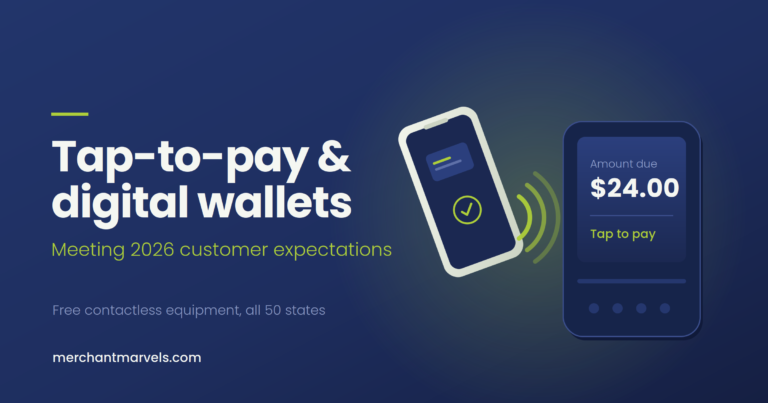
Contactless payments run on NFC — near-field communication — a short-range radio standard that powers well over 90% of contactless transactions worldwide. The customer’s card or phone has to be within an inch or two of the reader. That short range is a security feature, not a limitation.
Here’s what happens when a customer taps a phone:
- The customer authenticates on their own device — Face ID, fingerprint, or passcode. Your terminal never sees this step.
- The phone transmits a token, not the actual card number. A token is a substitute number tied to that specific device and transaction. If someone intercepted it, it would be useless.
- The terminal sends the token through the processing network, the issuing bank approves it, and you get an authorization.
- Done. Visa measures contactless transactions completing in as little as half a second — up to seven times faster than chip-and-PIN.
Three things follow from this that are worth internalizing as a business owner:
Wallet payments are usually more secure than a swipe. The magnetic stripe transmits a static card number that never changes. A tokenized wallet transaction transmits a one-time credential backed by device biometrics. Fraud teams generally treat wallet transactions as lower risk, and authorization rates on them tend to run higher.
You don’t need a separate “Apple Pay account.” This is the single most common misunderstanding among small business owners. There’s no Apple contract to sign, no Google integration to build, no extra monthly fee. If your terminal has an NFC reader and your processor supports contactless, Apple Pay and Google Pay just work. It’s the same card rails you already use — the customer is simply presenting the card differently.
Your processing cost doesn’t change based on how the card is presented. A tapped Visa credit card and a dipped Visa credit card are the same transaction with the same interchange treatment. Accepting tap-to-pay doesn’t cost you more. Refusing it costs you sales.
Why old terminals quietly cost you sales
Most owners who are still on legacy hardware aren’t ignoring the issue. They just haven’t been given a reason to think about it, because a terminal that still works feels like a terminal that’s fine.
Here’s what’s actually happening.
1. The lost sale you never record
Your POS reports every transaction you completed. It reports nothing about the person who put their phone away and left. There is no line item called “walked out because we couldn’t take a tap.” If 29% of customers under 45 say they’d choose a different business over this, that’s a real leak — it’s just an invisible one.
2. Slower lines, fewer transactions per hour
If you run a coffee shop, a food truck, a quick-service restaurant, or any business with a lunch rush, checkout speed is throughput. A tap that clears in under a second versus a chip insert that takes eight to fifteen seconds, multiplied across a peak hour, is a meaningful difference in how many customers you serve. On a busy Saturday it can be the difference between a line that moves and a line people give up on.
3. Tourists, business travelers, and international customers
Contactless is effectively universal in much of the world. In Australia, roughly 94% of in-person transactions are tap-and-go. Visitors from Europe, Australia, Japan, Korea, and China frequently default to their phone. If you’re anywhere near a hotel, an airport, a convention center, or a tourist corridor, a non-contactless terminal is turning away some of your highest-spending walk-ins.
4. Card handling friction you don’t think about
Handing your card to a server and watching it disappear is an experience customers have quietly stopped enjoying. Table-side contactless — a server brings a handheld terminal, the customer taps, the card never leaves their hand — has become the standard in full-service restaurants. Fixed terminals bolted to a counter can’t offer that.
5. Hardware that’s aging into a compliance problem
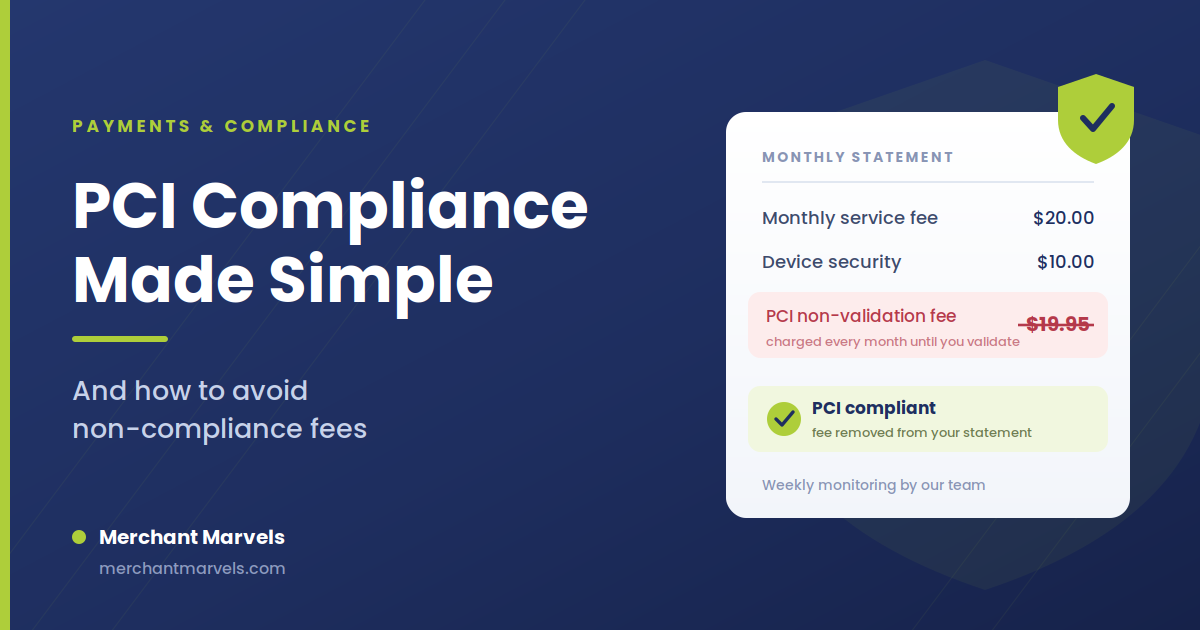
Terminals manufactured before roughly 2018 often lack NFC entirely. Older devices also stop receiving software and security updates, which drags you into PCI compliance headaches, higher non-compliance fees, and — if something goes wrong — a much worse liability position. An old terminal isn’t just underperforming. It’s accumulating risk.
6. What it signals about your business
Fair or not, customers read your checkout as a proxy for how current your business is. A terminal with the contactless symbol on it says “this place has it together.” A cracked keypad that only reads a stripe says something else.
Is your terminal ready? A 60-second self-check
Before you assume you need anything at all, check these:
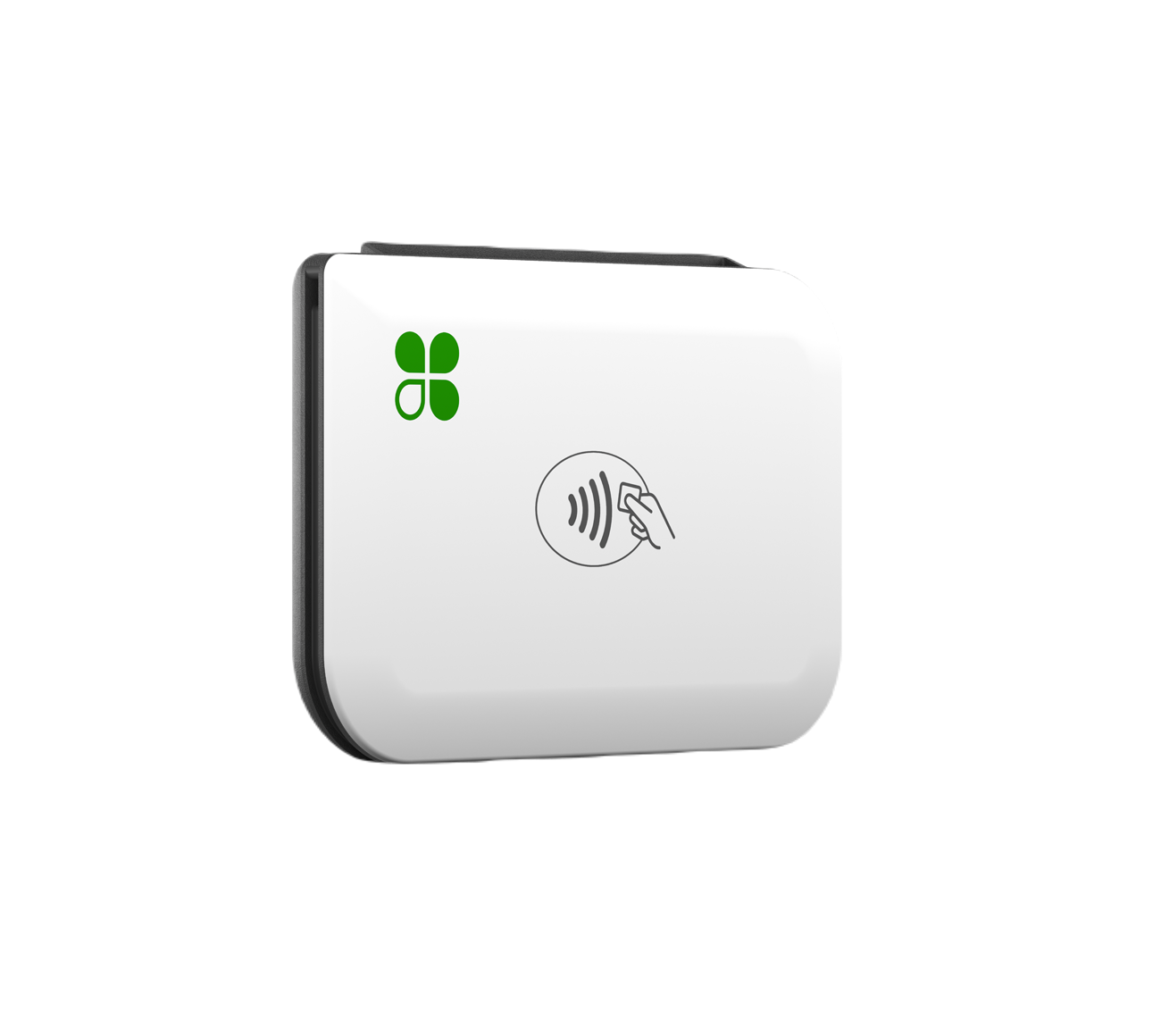
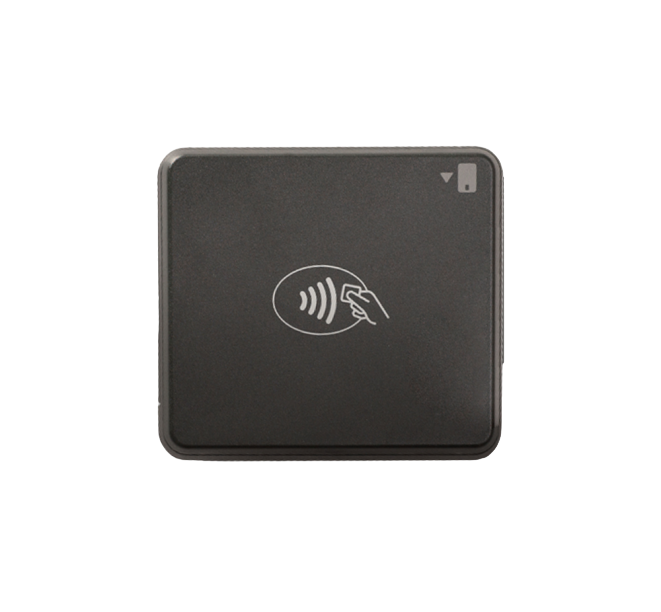
- Look for the symbol. Four curved lines radiating outward, like a sideways Wi-Fi icon. If it’s printed on your terminal near the screen or card slot, you have NFC hardware.
- Test it yourself. Ring up a $1 sale and pay with your own phone. Then void it. This is the only test that actually matters, because hardware can have NFC that was never enabled on the processor side.
- Ask what year the device was made. Anything from before 2018 should be assumed non-contactless until proven otherwise.
- Check whether your staff knows. Some businesses have contactless-capable terminals and employees who tell customers “we don’t do Apple Pay” because nobody ever told them otherwise. This one is free to fix.
- Look at your handheld situation. Even if your counter terminal taps, ask whether you can take a payment at a table, a chair, a job site, or a curbside pickup. Mobility is half of what modern acceptance means.
If you fail any of the first three, you need new equipment. Which brings us to the part that stops most owners.
The real obstacle: nobody wants to buy a $2,000 POS
This is where the conversation usually stalls. An owner knows the terminal is old. They also know a modern POS system with a customer-facing display and a handheld can carry a retail price in the low thousands of dollars, plus a multi-year lease that outlives the hardware.
So the upgrade sits on the “someday” list, and meanwhile the lost sales keep not showing up in any report.
That’s the problem our free equipment program exists to solve.
How the Merchant Marvels free Clover program works
We place modern Clover hardware in your business at no upfront cost, no rental cost, no contract, and no cancellation fee. You’re not buying it, and you’re not leasing it. It’s placed with you and stays with you for as long as you’re processing with us. If you ever decide to stop, you simply send the equipment back — nothing to pay off, nothing to unwind.
Here’s what that looks like in practice.
The hardware
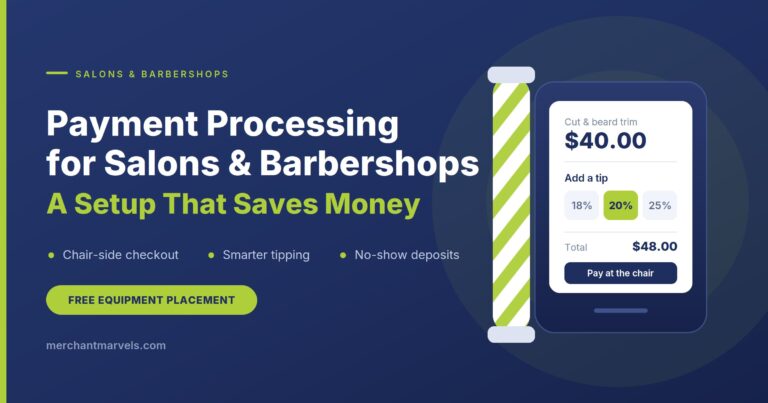
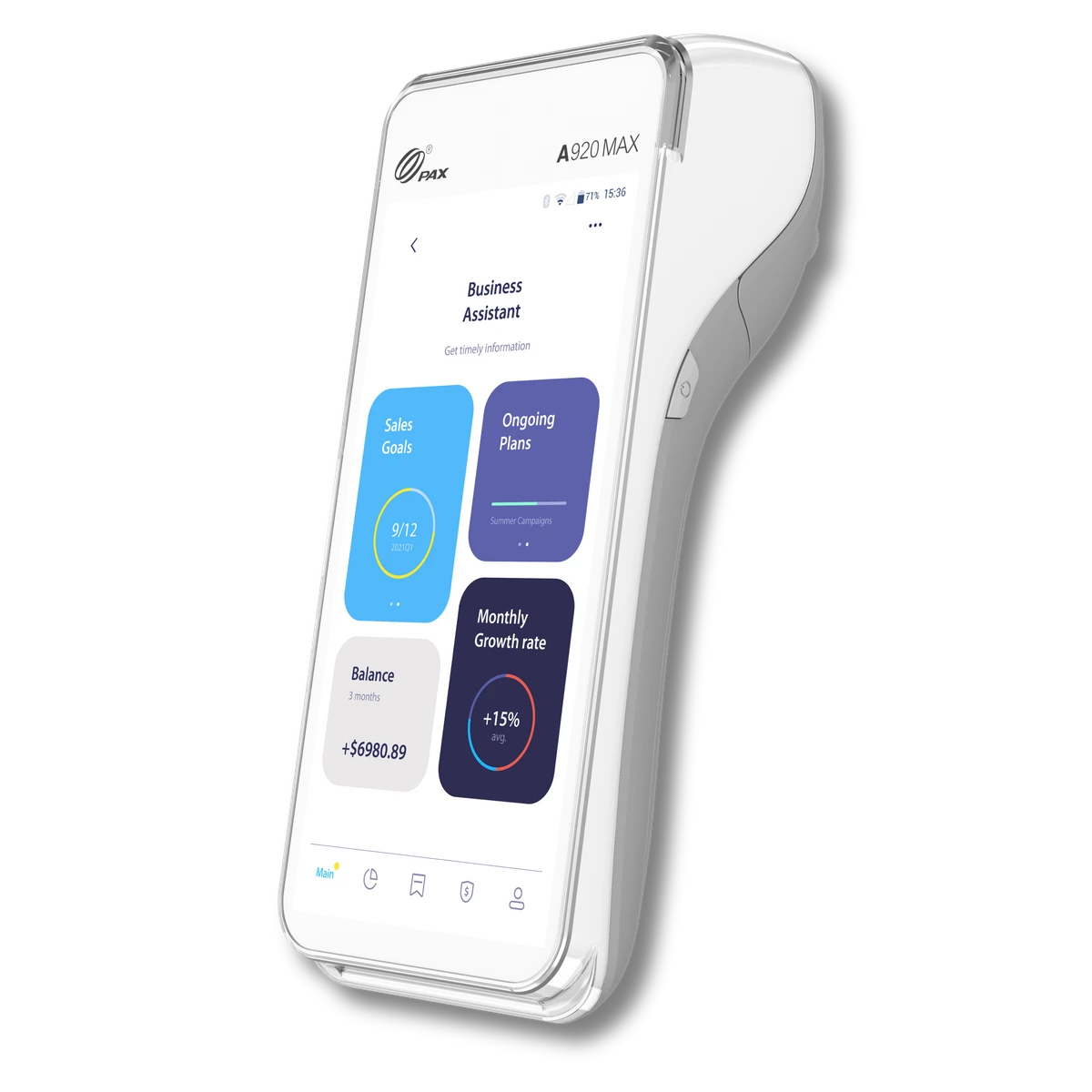
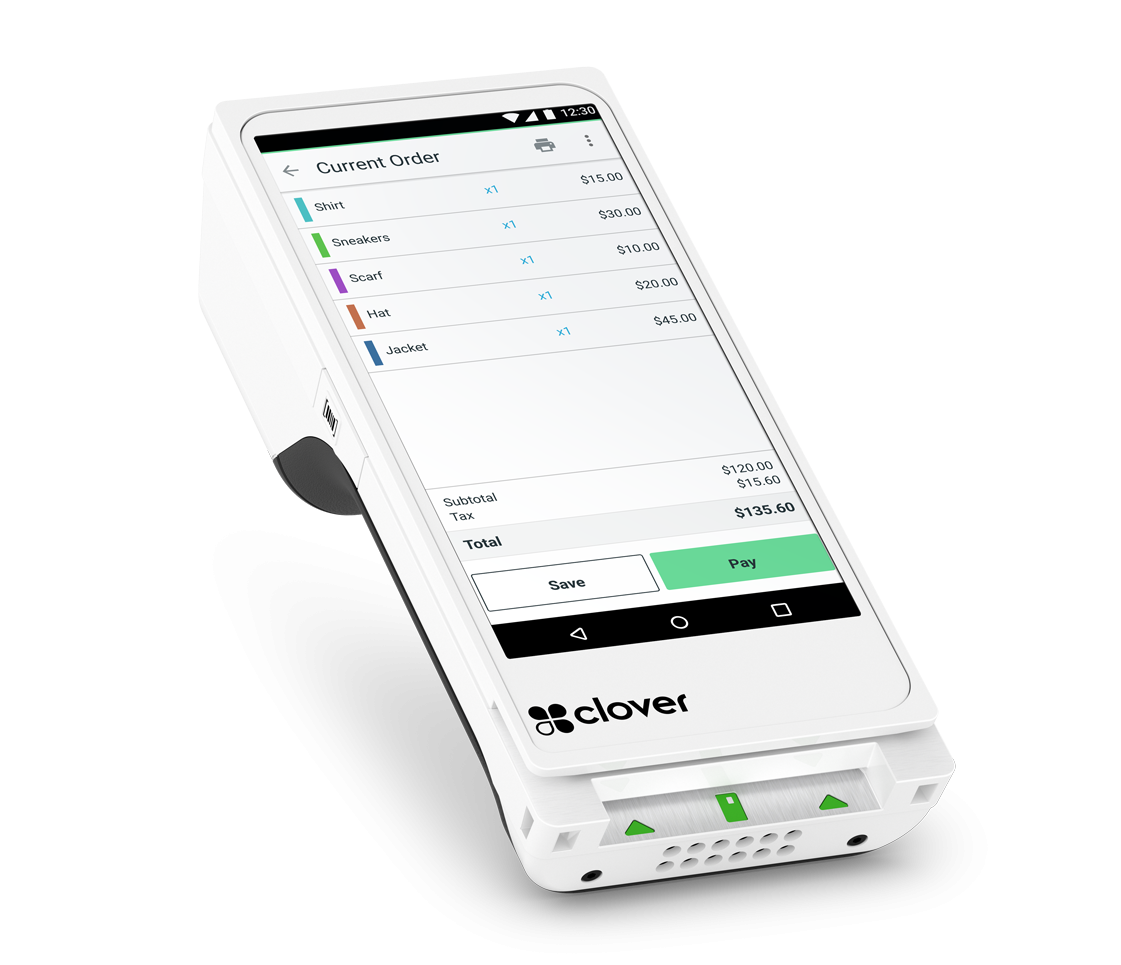
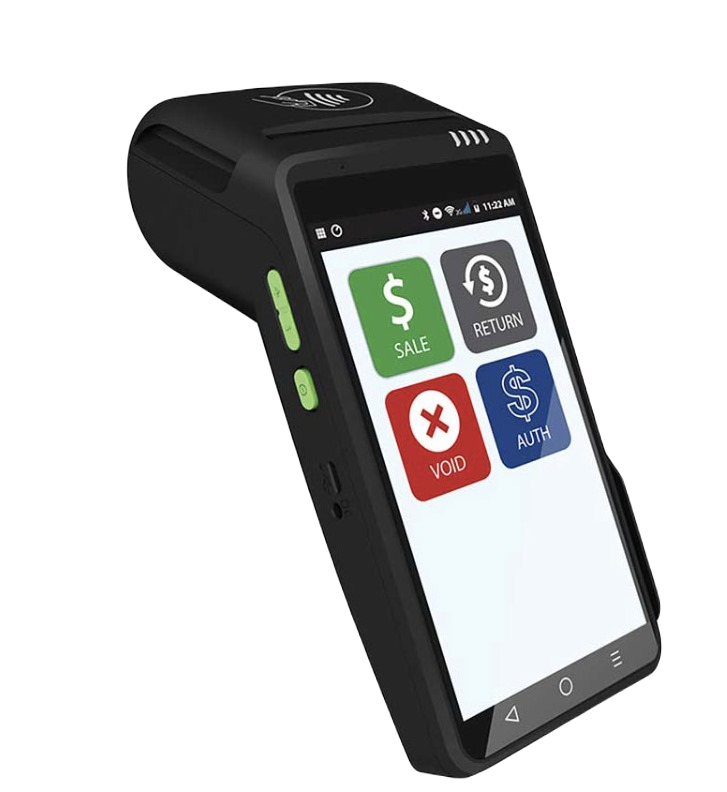
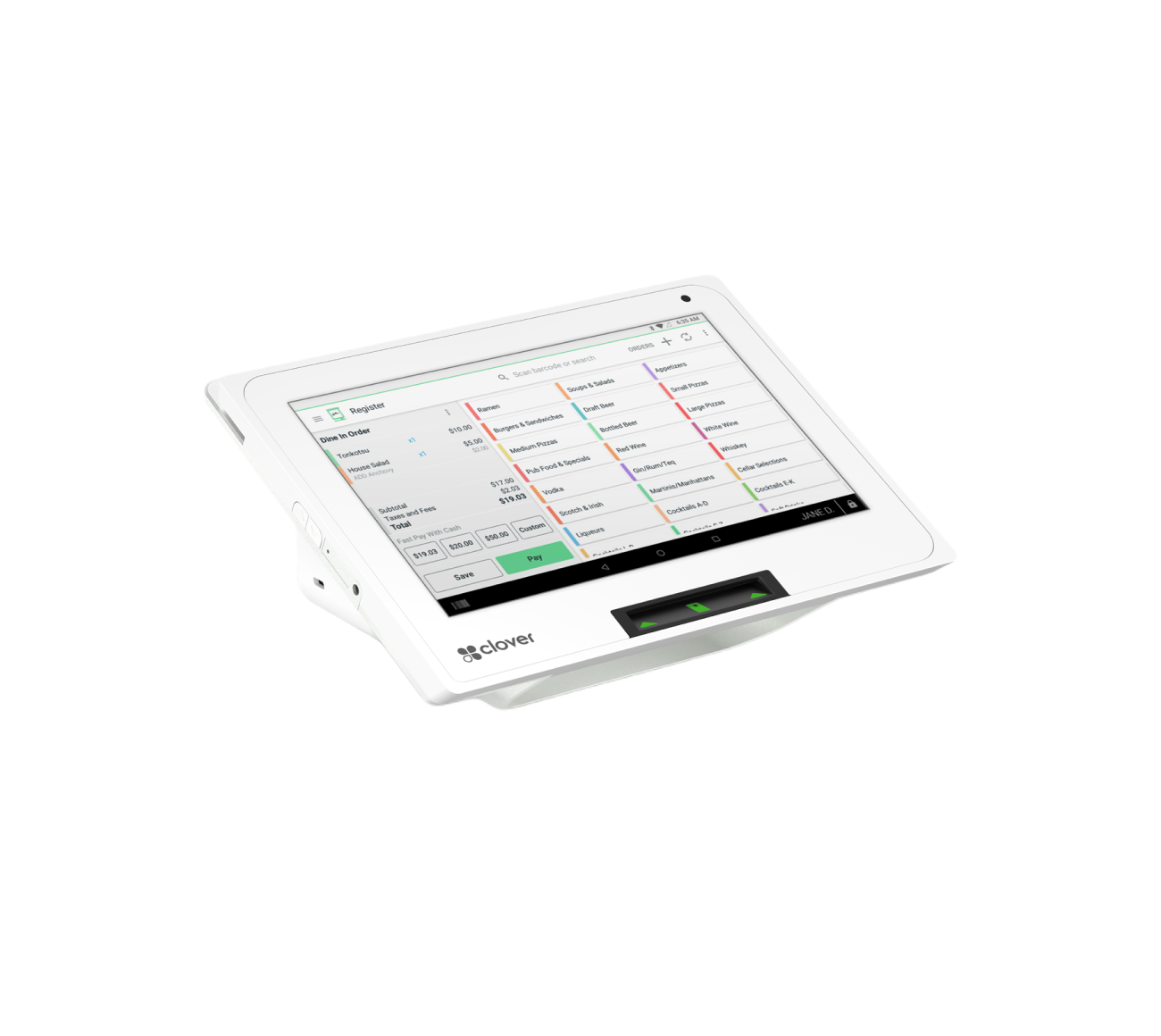
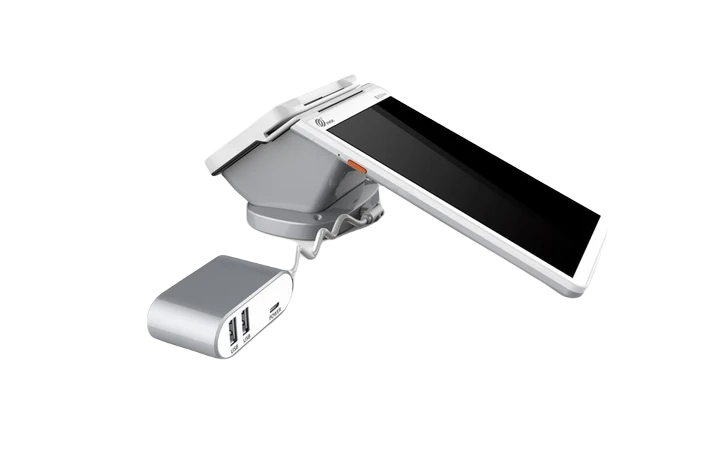
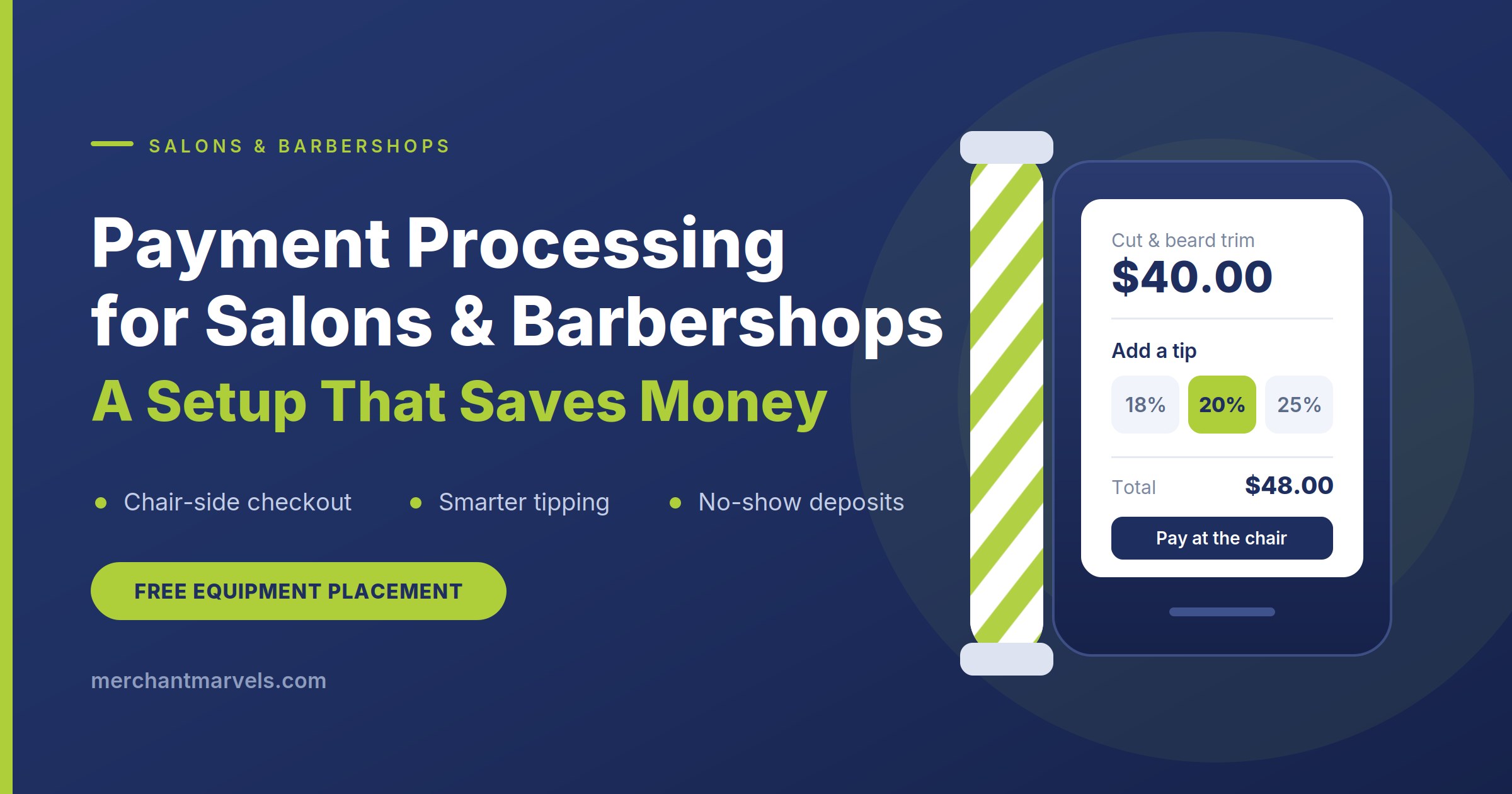
Clover Flex Gen 4 — a handheld that accepts every card type plus Apple Pay, Google Pay, Samsung Pay, and contactless cards, with a built-in receipt printer and barcode scanner. This is the device that gets you table-side payments, curbside pickup, chair-side checkout in a salon, and payments at a job site. It runs on Wi-Fi or cellular.
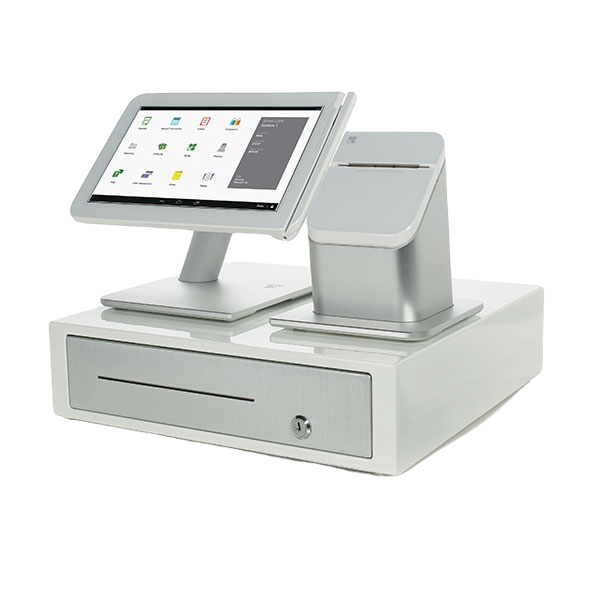
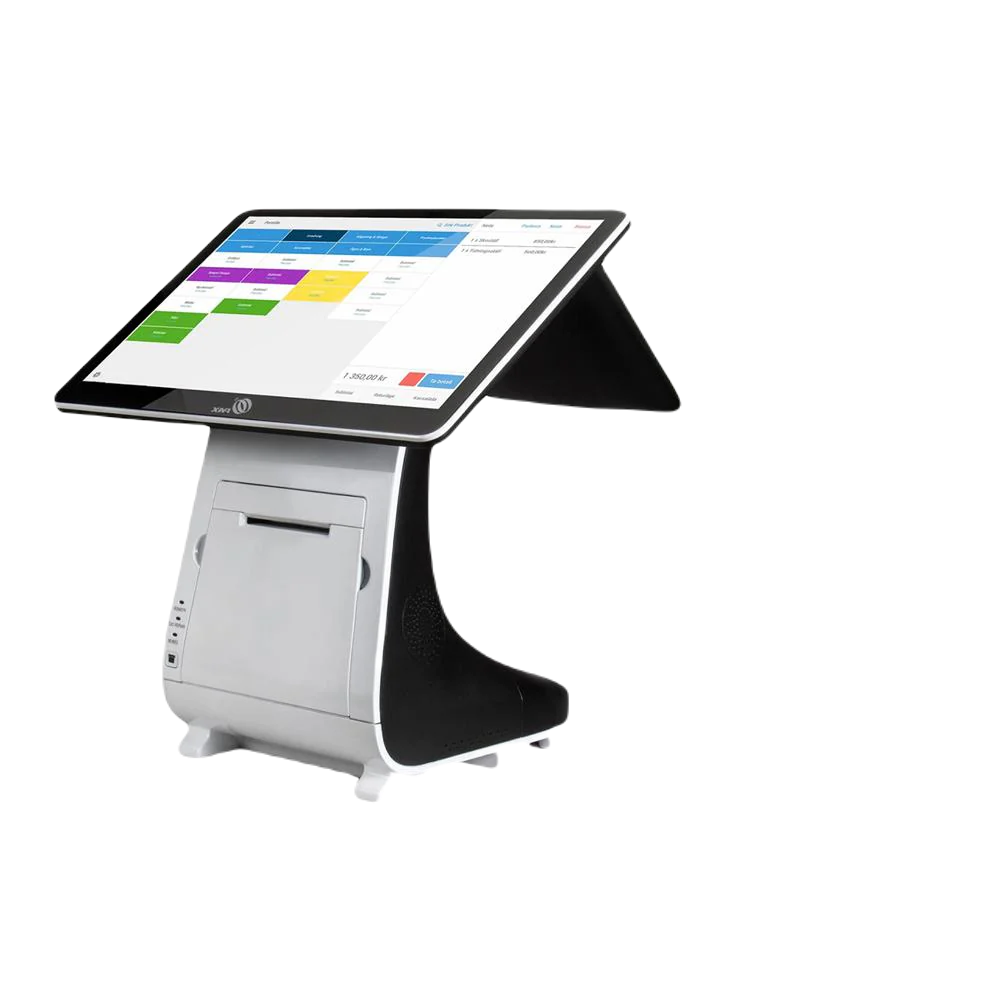
Clover Station Duo — the full counter setup, with a merchant-facing screen and a customer-facing screen, plus a cash drawer. The customer display is where tipping, contactless, and receipt options are presented, which is a meaningfully better checkout than turning your own screen around.
Both are NFC-ready out of the box. There is no add-on, no module, and no separate configuration to accept tap to pay as a small business — it’s on from day one.
The monthly cost
Our standard Clover Flex placement runs $20/month, which breaks down as $10 for Clover TransArmor device security and $10 for the merchant services fee. On top of that you choose your Clover software plan based on what your business actually needs — a straightforward retail or service business runs on the entry plan, while restaurants driving a kitchen printer or kitchen display need the restaurant plan. We’ll tell you exactly which one you need before you sign anything, and exactly what it costs.
Included at no extra charge: inventory management, order management, employee management and time tracking, free device replacement if something fails, and 24/7 live support directly on the device.
Zero processing fees, if you want them
Separate from the equipment, most of our merchants enroll in a program that eliminates their card processing costs entirely.
Surcharge program (best for established businesses): a 3% surcharge is applied to credit card transactions and paid by the cardholder. The system detects the card type automatically — you don’t have to think about it, and your staff doesn’t have to ask. Debit cards are never surcharged, because network rules prohibit it; the 1.5% on debit is billed to you rather than passed to the customer. Your listed prices don’t change.
Cash discount / dual pricing (best for new businesses): your listed prices are set 3% higher, and customers who pay cash receive a 3% discount at checkout. Card customers pay the listed price regardless of card type.
Surcharging rules vary by state and by card network, and getting the disclosure signage and receipt language wrong is how merchants end up with fines. We handle that setup and keep you compliant in whatever states you operate in. (If you want the deeper comparison, we have separate posts on the cash discount program and the surcharge program, plus one on why debit cards can’t be surcharged.)
Getting set up
We’re based in Dover, Delaware and we work with merchants in all 50 states. Onboarding happens remotely: a short call to figure out what your business actually needs, a pre-application form, a specimen agreement you can read in full before you hand over any of your own information, and then equipment shipped to your door pre-configured. Most merchants are taking their first tap within about a week.
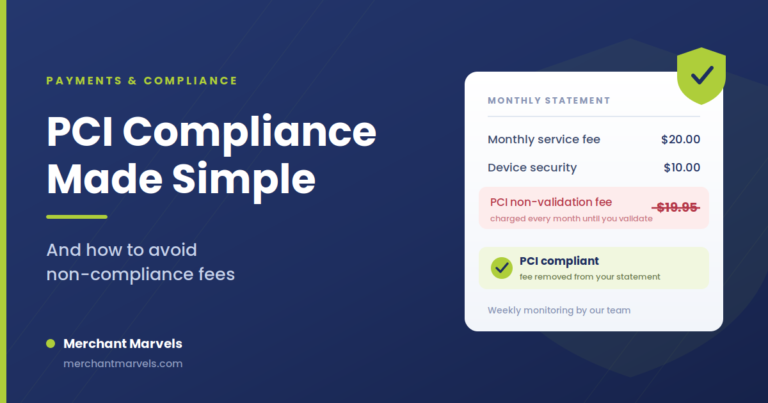
You’ll have 60 days to complete PCI compliance after approval, and we walk you through it — it’s a short questionnaire for most businesses, not a project.
What to do this week
You don’t need a strategy for this. You need about ten minutes.
- Pay for something in your own store with your phone. Right now. If it works, tell your staff so they stop saying you don’t take it.
- If it doesn’t work, look up what your current setup actually costs you per month — the terminal lease, the statement fees, the processing.
- Compare that to zero for hardware and zero in processing fees.
The businesses that quietly lose to this aren’t the ones that made a bad decision. They’re the ones who never made a decision at all, because the terminal on the counter still turned on every morning.
Your customers already made their decision. They’re holding it in their hand.
Upgrade to modern contactless equipment through our free equipment program. No upfront cost, no contract, no cancellation fee — Clover hardware that takes Apple Pay, Google Pay, and every contactless card from day one, plus a program that can bring your processing fees to zero. Give us fifteen minutes on the phone and we’ll tell you exactly what your setup would cost and what you’d stop losing.