Running an auto repair shop requires much more than diagnosing engines and replacing worn-out parts. Shop owners must manage technicians, order parts, prepare estimates, communicate with customers, track repair orders, collect payments, and maintain healthy cash flow.
Payment processing is one of the most important—but frequently overlooked—parts of that operation.
Auto repair transactions are often larger and more complicated than ordinary retail purchases. A customer may initially approve a diagnostic fee, later authorize additional repairs, and finally pay an invoice containing labor, replacement parts, taxes, disposal charges, and other shop fees. Without the right payment system and procedures, this complexity can create billing mistakes, unhappy customers, chargebacks, delayed payments, and unnecessary processing expenses.
The following payment processing tips can help auto repair shops operate more efficiently, protect their revenue, and provide customers with a smoother checkout experience.
Why Payment Processing Is Different for Auto Repair Shops
A typical retail customer selects an item, pays for it, and leaves. An auto repair payment usually involves several stages:
- The customer authorizes an inspection or diagnostic service.
- The shop prepares an estimate.
- The customer approves some or all of the recommended work.
- Additional problems may be discovered during the repair.
- The customer approves—or declines—the additional work.
- Parts and labor are added to the final invoice.
- Payment is collected when the vehicle is picked up.
Because of this extended process, auto repair businesses need more than a basic credit card terminal. They need a payment system that supports detailed documentation, flexible payment methods, accurate invoices, employee controls, customer records, and reliable reporting.
1. Provide a Clear Written Estimate Before Starting Work
One of the best ways to prevent payment disputes is to provide customers with a clear, itemized estimate before beginning a repair.
The estimate should include:
- The customer’s name and contact information
- Vehicle year, make, model, and identification details
- Diagnostic charges
- Recommended repairs
- Estimated labor hours
- Labor rate
- Parts and materials
- Taxes and applicable shop fees
- The estimated completion date
- The amount the customer is authorizing
- The shop’s warranty or return policy
The Federal Trade Commission recommends that consumers request written estimates and understand diagnostic charges before authorizing repairs. State requirements can be more specific, so auto repair businesses should also review the rules that apply in their state.
A detailed estimate creates transparency and gives your shop valuable evidence if a customer later claims that a repair was not authorized.
2. Document Every Customer Authorization
Never rely only on a casual telephone conversation for an expensive repair.
Whenever possible, record the customer’s authorization through:
- A signed estimate
- A text message
- An email
- An electronic authorization form
- A recorded and properly documented telephone approval
- A signed repair order
The authorization should show exactly what the customer approved and the maximum amount they agreed to pay.
Suppose a customer approves a $600 brake repair, but the technician later discovers that the calipers must also be replaced. Do not simply add the extra work to the invoice. Contact the customer, explain the issue, provide the revised total, and record their approval before continuing.
State regulations differ. For example, California recognizes written, oral, and electronic repair authorizations, subject to applicable documentation requirements.
Consistent authorization procedures can significantly reduce “I never approved that” disputes.
3. Use Itemized Invoices Instead of Generic Descriptions
A final invoice should explain what the customer is paying for.
Avoid descriptions such as:
- “Vehicle repair — $1,450”
- “Parts and service — $875”
- “Mechanical work — $2,200”
Instead, separate the invoice into understandable categories:
- Diagnostic service
- Front brake pads
- Front brake rotors
- Brake fluid
- Labor hours
- Environmental or disposal fee
- Sales tax
- Previous deposit
- Remaining balance
Itemized invoices make the charge easier to understand and defend. They also help customers compare the final bill with the original estimate.
Include the vehicle information, repair order number, customer authorization, warranty information, and payment method on the final receipt whenever possible.
4. Accept Multiple Payment Methods
Auto repairs are frequently unexpected. A customer who planned to pay with a debit card may need to use a credit card when faced with a major transmission, engine, or suspension repair.
Your shop should be prepared to accept:
- Credit cards
- Debit cards
- Contactless cards
- Apple Pay
- Google Pay
- Cash
- Checks, when permitted under your policy
- Payment links
- Digital invoices
- Deposits
- Split payments
- Approved financing options
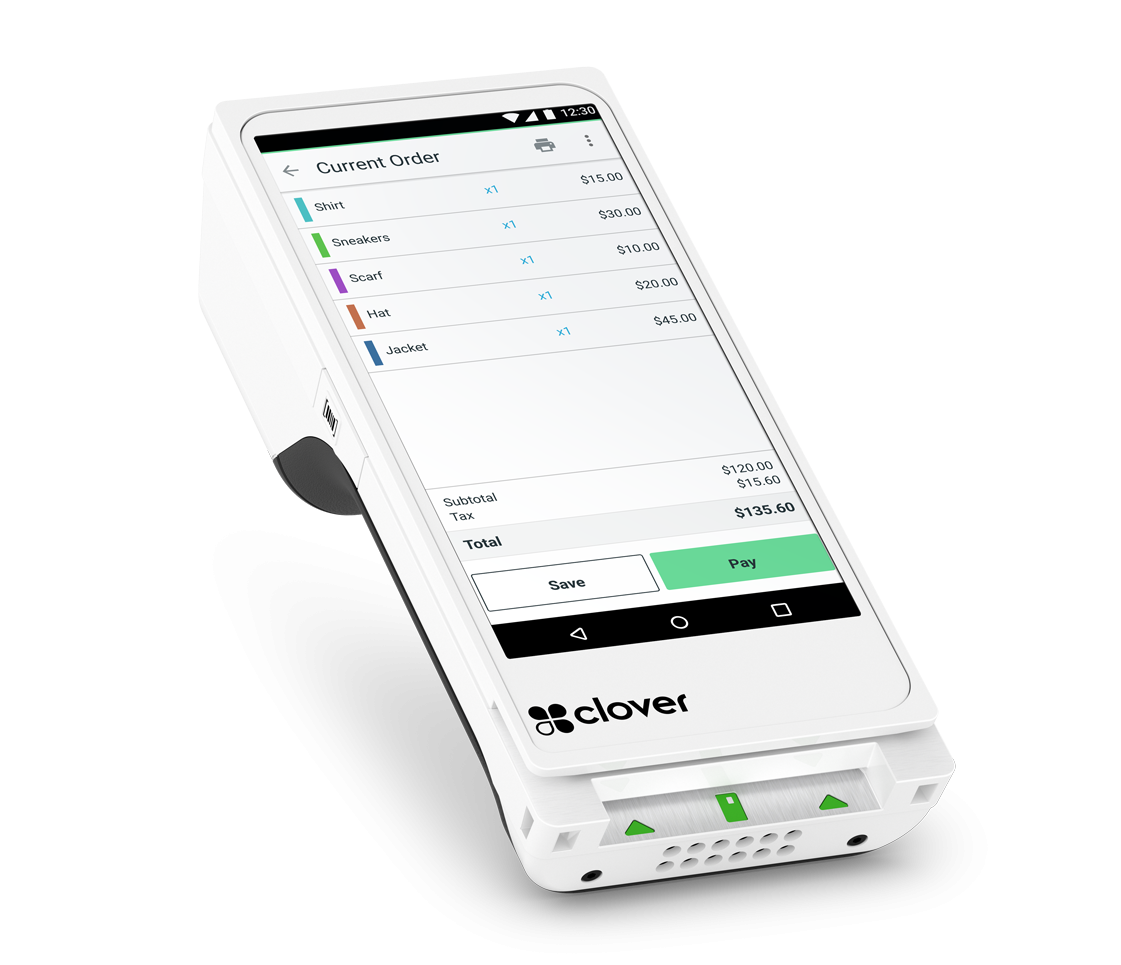
Clover’s automotive POS solutions can accept popular payment types, including credit cards, debit cards, mobile wallets, cash, and checks, depending on the shop’s configuration and service provider.
Providing multiple options can prevent a completed repair from turning into a collection problem.
5. Collect Deposits for Expensive or Special-Order Parts
Some repairs require parts that are expensive, uncommon, customized, or difficult to return. Ordering these parts without collecting a deposit can expose the shop to unnecessary risk.
Consider requiring a deposit for:
- Special-order components
- Engines and transmissions
- Custom wheels
- Performance upgrades
- Large body repair jobs
- Commercial vehicle repairs
- Customers with previous payment issues
- Repairs requiring substantial upfront material costs
The deposit policy should be disclosed before the payment is collected. The receipt should clearly state:
- The deposit amount
- What the deposit covers
- Whether it is refundable
- The circumstances under which it may be retained
- The remaining estimated balance
Do not describe a payment as “non-refundable” unless the policy is lawful, clearly disclosed, and appropriate for the transaction.
6. Avoid Storing Card Information Manually
Employees should never write complete card numbers on repair orders, sticky notes, notebooks, or paper forms.
Card information should not be stored in:
- Email messages
- Text messages
- Unprotected spreadsheets
- Customer notes
- Filing cabinets
- Photographs
- Shared cloud documents
Use a secure payment terminal, hosted invoice page, approved virtual terminal, or properly configured card-on-file system instead.
PCI DSS applies to merchants of every size that accept payment cards. Even when payment processing is outsourced, the merchant retains certain responsibilities for selecting compliant providers and protecting payment information.
A secure POS system reduces the amount of sensitive information handled directly by employees.
7. Understand Card-Present and Card-Not-Present Transactions
A card-present transaction generally occurs when the customer taps, inserts, or swipes a card at the shop.
A card-not-present transaction occurs when the card is not physically presented, such as when the shop:
- Keys in the card number
- Takes payment over the telephone
- Sends an online invoice
- Collects payment through a payment link
- Charges a stored credential
Card-not-present transactions can involve higher costs and greater fraud or dispute risk. Whenever practical, encourage customers to pay through a secure terminal or hosted payment link rather than asking employees to manually enter card information.
When taking a remote payment, keep the repair order, customer authorization, invoice, payment confirmation, and communications together in the customer’s file.
8. Use Mobile or Handheld Payment Devices
A handheld POS device can be especially useful in an auto repair environment.
Instead of requiring every customer to stand at the main counter, an employee can bring the payment device to:
- The customer waiting area
- The vehicle pickup area
- The service bay
- A mobile repair location
- A towing destination
- A fleet customer’s place of business
Clover Flex, for example, combines portable payment acceptance with a touchscreen, receipt printer, camera, and barcode scanner. It can also send receipts electronically.
Mobile checkout can shorten lines, reduce congestion around the service desk, and help mobile mechanics collect payment immediately after completing a job.
9. Set Employee Permissions
Not every employee should have access to refunds, reports, transaction adjustments, or sensitive business information.
A well-configured POS system should allow the owner or manager to control who can:
- Accept payments
- Apply discounts
- Cancel transactions
- Issue refunds
- View sales reports
- Access customer information
- Change prices
- Open the cash drawer
- Add or remove inventory
- Review employee performance
Employee-specific login credentials also create a clearer activity record.
Clover supports employee profiles, permission settings, schedules, timesheets, and performance reports, depending on the selected software plan and configuration.
Do not allow employees to share one administrator login. Individual credentials make it easier to identify mistakes and investigate suspicious activity.
10. Create a Written Refund and Cancellation Policy
Auto repair refunds are more complicated than ordinary retail returns. Labor cannot always be “returned,” and an installed part may no longer be resalable.
Your payment and refund policy should explain:
- Whether diagnostic charges are refundable
- How special-order parts are handled
- What happens when a customer cancels approved work
- Whether completed labor is refundable
- How warranty repairs are handled
- Who has authority to approve a refund
- How long refunds may take to appear
- Whether refunds must be returned to the original payment method
Display important policies near the service counter and include them on estimates, repair orders, invoices, or your website.
Clear policies do not eliminate every disagreement, but they make expectations easier to understand and enforce.
11. Take Chargebacks Seriously
A chargeback occurs when a cardholder disputes a payment through their card issuer. Common auto repair chargeback claims include:
- The work was not authorized.
- The final amount exceeded the estimate.
- The repair did not fix the problem.
- The vehicle was damaged.
- The customer was charged twice.
- A promised refund was not received.
- The customer does not recognize the business name.
- The card was used without permission.
To defend a legitimate transaction, keep a complete record containing:
- The signed or electronically approved estimate
- Additional repair authorizations
- The itemized invoice
- Diagnostic findings
- Before-and-after photographs, where appropriate
- Customer emails and text messages
- Proof that the vehicle was collected
- The payment receipt
- Warranty terms
- Any signed completion or pickup acknowledgment
Make sure the billing name appearing on the customer’s card statement resembles the shop name customers recognize. An unfamiliar billing descriptor can cause unnecessary disputes.
Respond to chargeback notices promptly. Missing the processor’s deadline can result in an automatic loss, regardless of the quality of your documentation.
12. Review Your Processing Statement Every Month
Do not judge a payment processor only by the advertised percentage.
Review the complete statement for:
- Percentage-based processing charges
- Per-transaction charges
- Monthly account fees
- PCI-related charges
- Statement fees
- Batch fees
- Gateway fees
- Software subscriptions
- Equipment rentals
- Minimum-processing requirements
- Chargeback fees
- Early termination charges
- Additional card-brand costs
Calculate the shop’s effective processing rate by dividing total processing costs by total card sales for the same period.
For example, if a shop processes $50,000 and pays $1,500 in total processing-related charges, its effective cost is 3%.
Looking at the complete expense—not just one quoted rate—makes it easier to compare providers fairly.
13. Separate Parts, Labor, Taxes, and Fees in Your Reports
Reliable reporting helps an auto repair owner understand where the business is actually making money.
Your payment and POS reports should make it possible to review:
- Parts revenue
- Labor revenue
- Diagnostic fees
- Taxes collected
- Discounts
- Refunds
- Tips, when applicable
- Surcharge amounts
- Cash and card payments
- Sales by employee
- Sales by day or month
- Average repair order value
- Most frequently sold services
Clover reporting can show sales trends, busy periods, popular items or services, and employee totals.
Accurate reporting can reveal whether your shop needs to adjust its labor rate, renegotiate parts costs, reduce excessive discounts, or schedule more technicians during busy periods.
14. Reconcile Payments at the End of Every Day
At closing time, compare:
- POS sales totals
- Cash collected
- Card transactions
- Refunds
- Voided transactions
- Deposits
- Open invoices
- Repair orders marked as completed
- Vehicles released to customers
Daily reconciliation catches problems while employees still remember what happened.
Waiting until the end of the month makes it much harder to investigate a missing payment, duplicate refund, incorrect discount, or unreconciled repair order.
15. Train Employees to Explain Payment Policies Professionally
Technology alone cannot create a good payment experience. Employees must understand how to communicate with customers.
Train your service advisors and cashiers to explain:
- Diagnostic charges
- Estimate changes
- Required deposits
- Available payment methods
- Refund policies
- Warranty procedures
- Credit card surcharges
- Cash or debit alternatives
Customers should learn about a surcharge before reaching the final payment screen—not after the transaction has been completed.
A helpful explanation might be:
“Credit card payments include a clearly disclosed processing surcharge. You may avoid that charge by paying with cash or another eligible non-surcharged payment method.”
The wording should match your actual program and all applicable requirements.
The Cherry on Top: Merchant Marvels’ Free Clover POS Program With Surcharge Processing
After improving estimates, authorizations, reporting, and payment procedures, an auto repair shop can take the next step by reducing the cost of accepting credit cards.
That is where the Merchant Marvels Free Clover POS Program can become the cherry on top.
What Is the Merchant Marvels Free Clover POS Program?
Through Merchant Marvels’ equipment placement program, qualifying businesses may receive Clover POS hardware without purchasing the equipment upfront.
Instead of spending hundreds or thousands of dollars to acquire a new POS system, an eligible auto repair shop can receive equipment for use while processing through Merchant Marvels. The exact device, software plan, approval requirements, processing arrangement, and placement terms depend on the shop’s needs and eligibility.
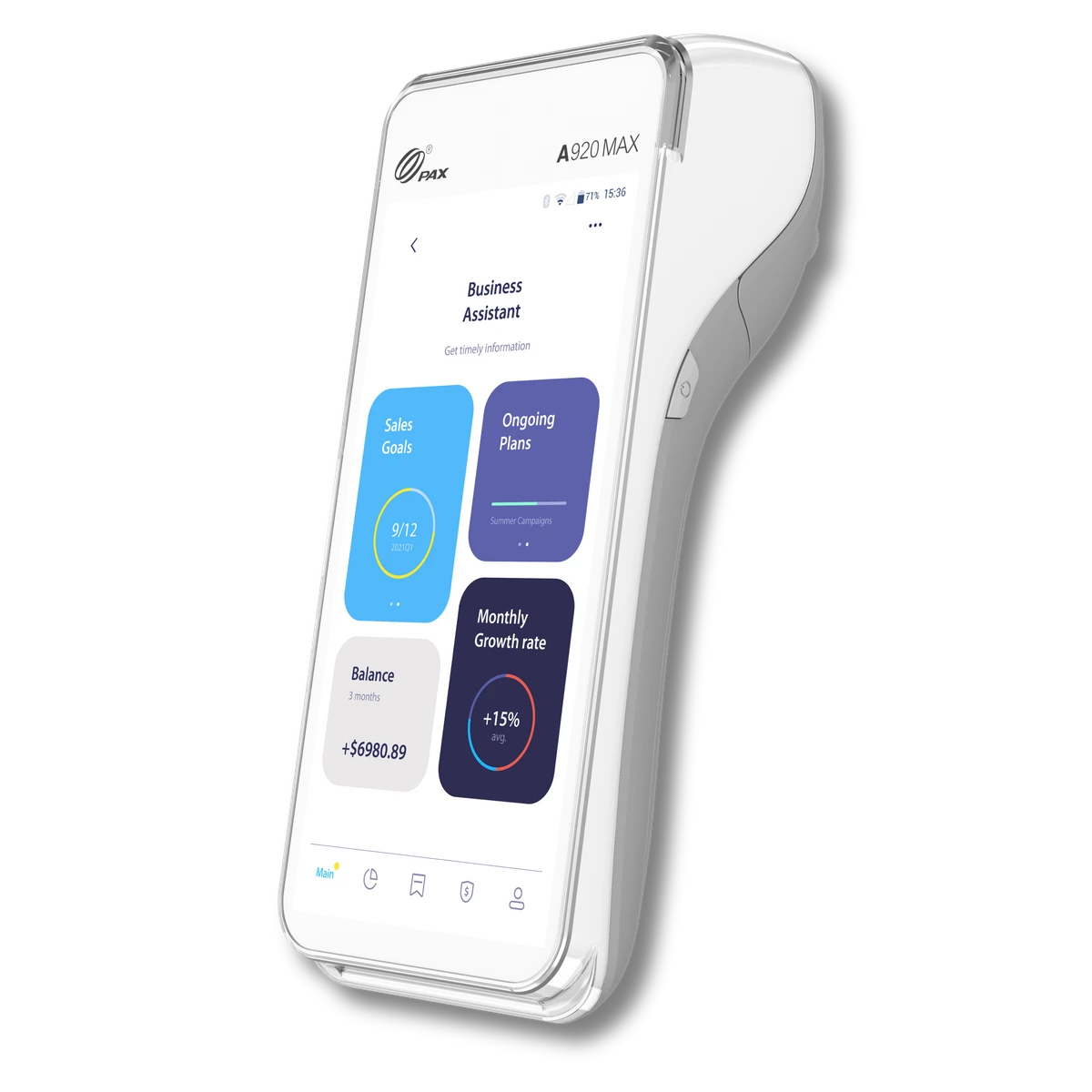
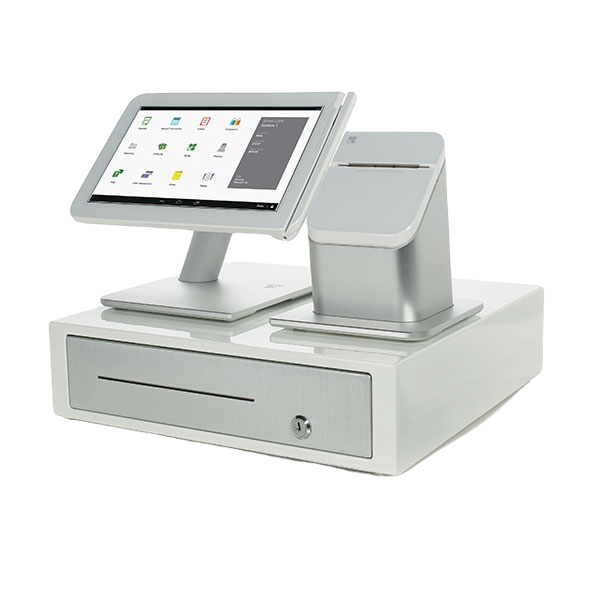
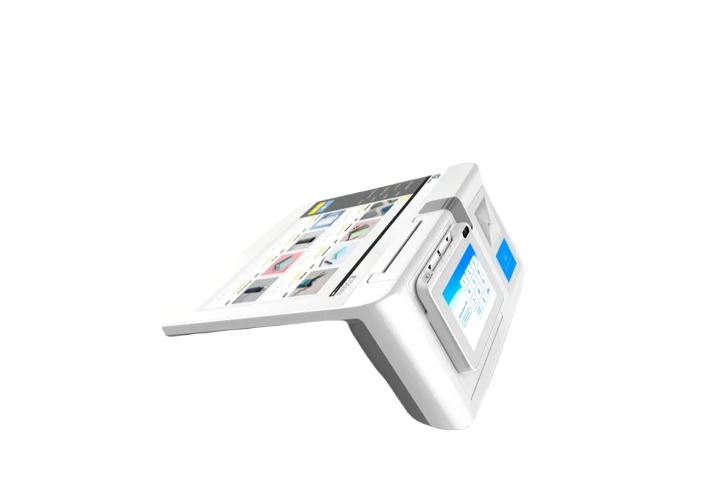
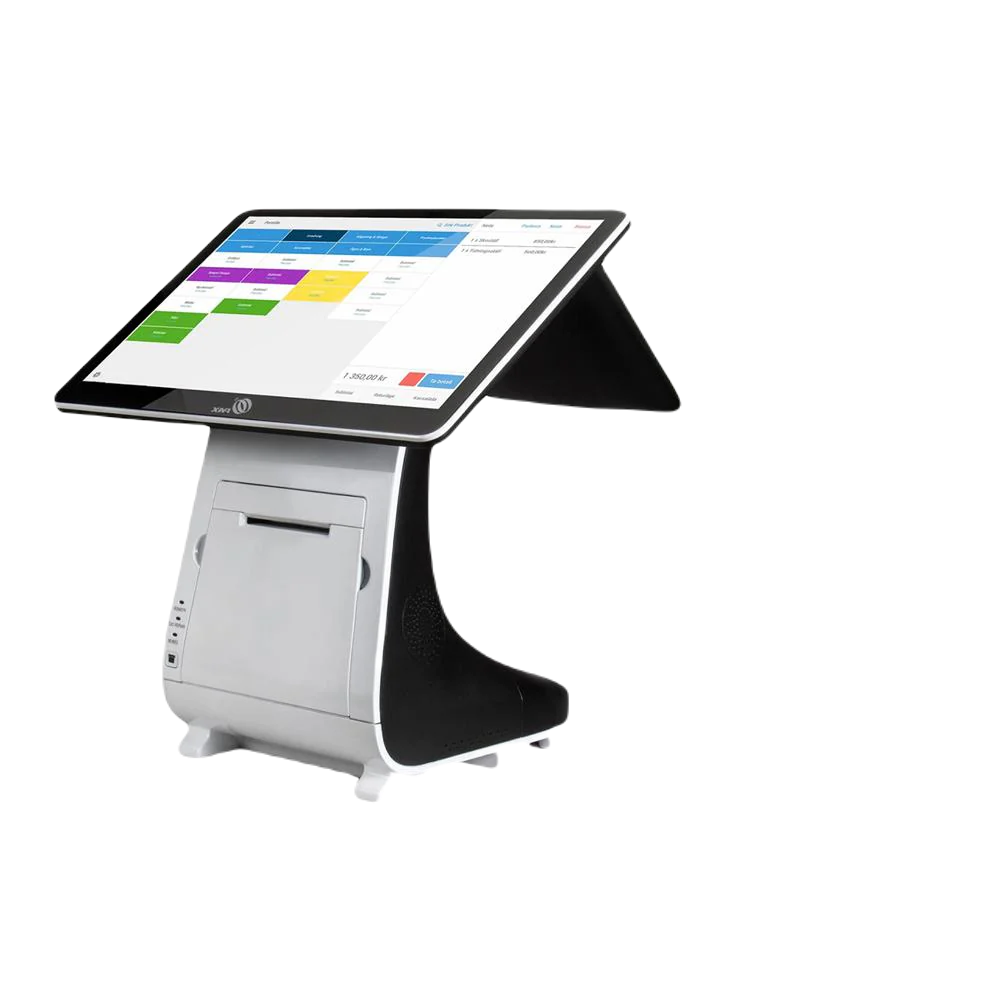
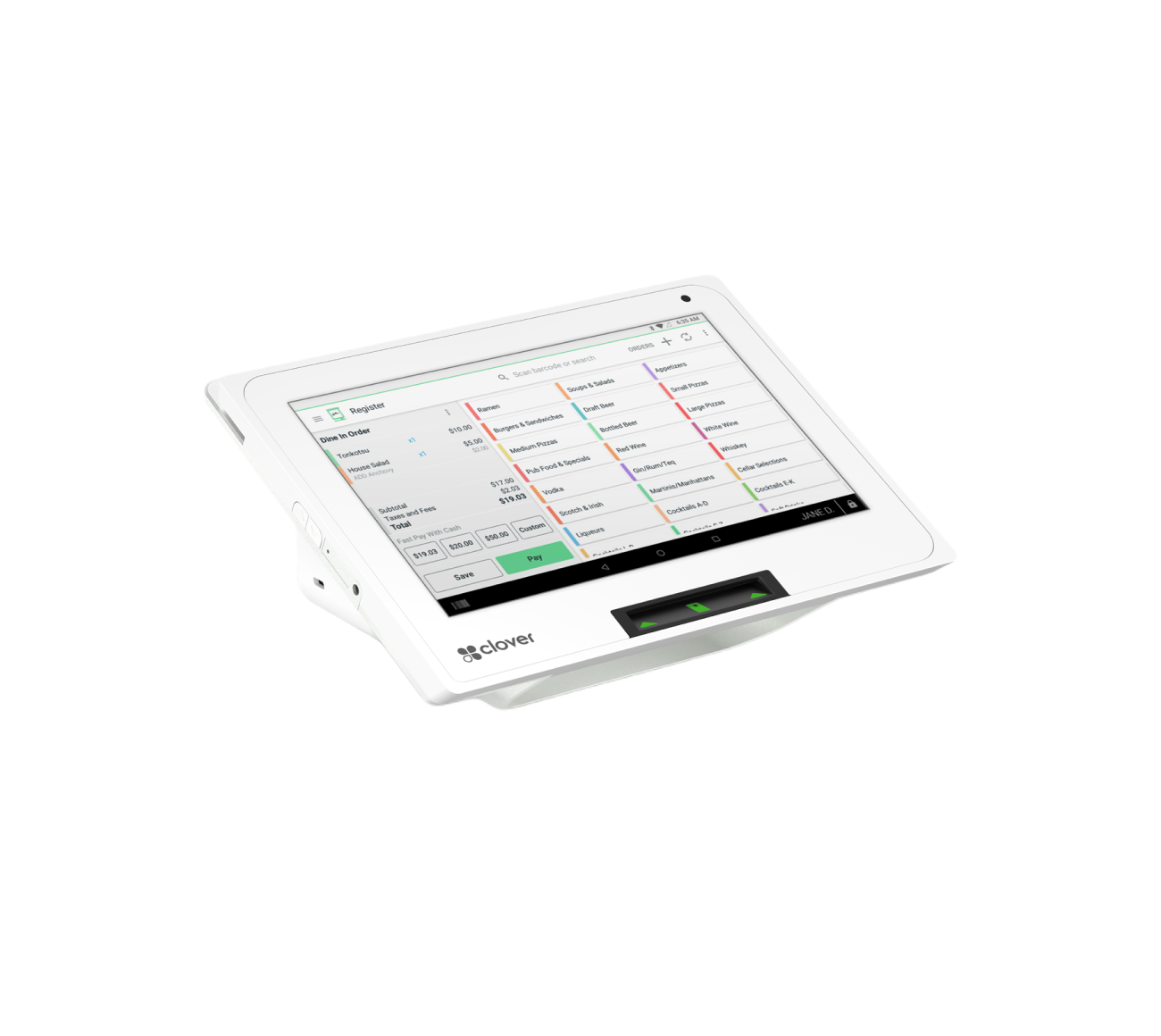
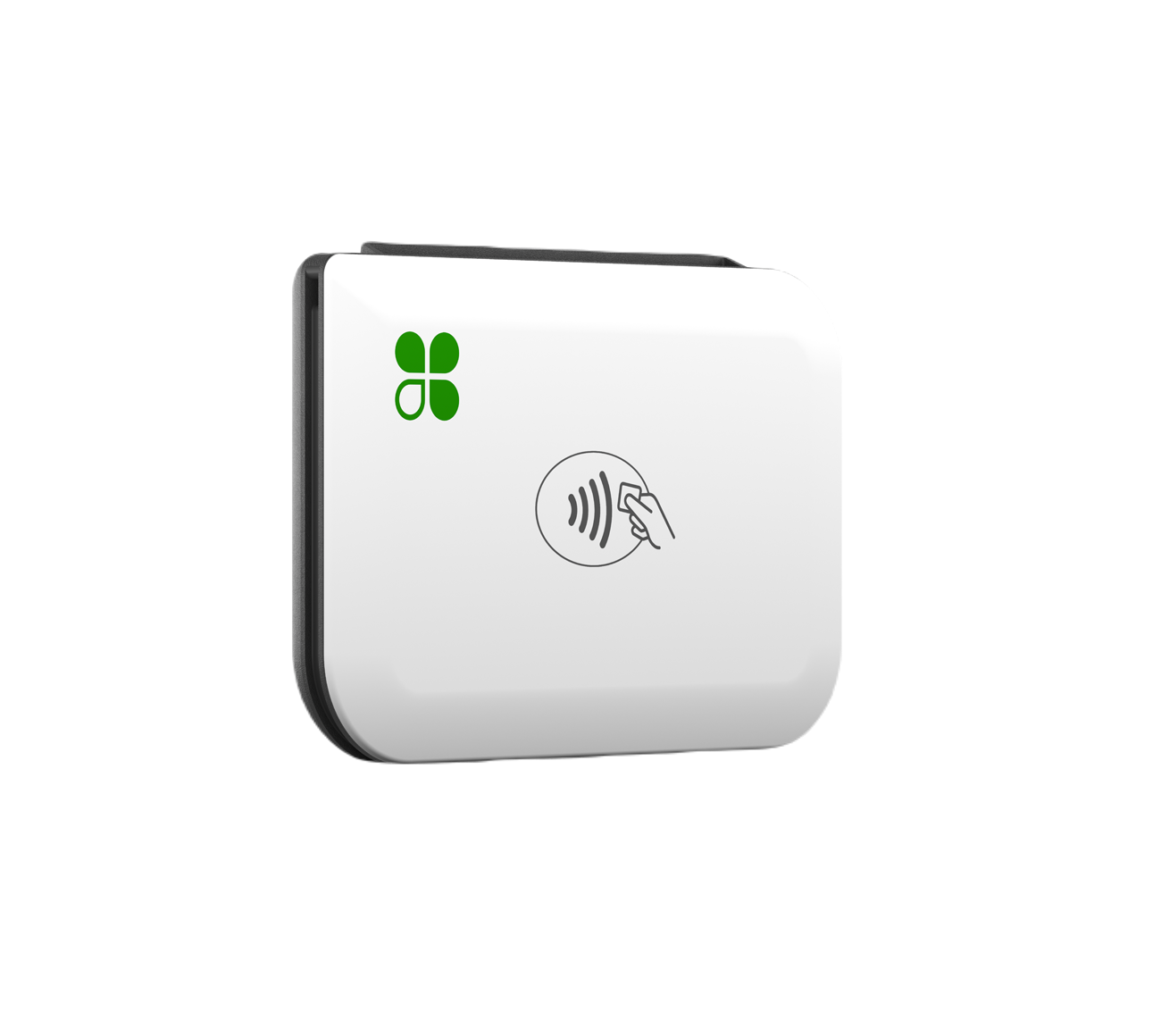
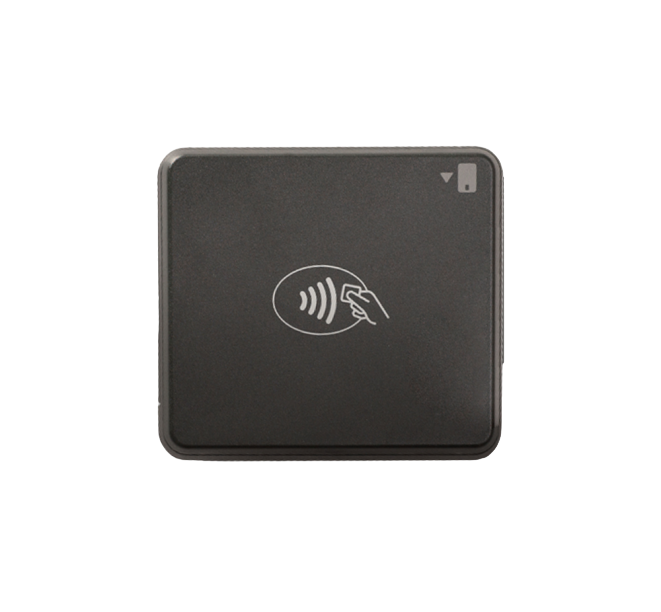
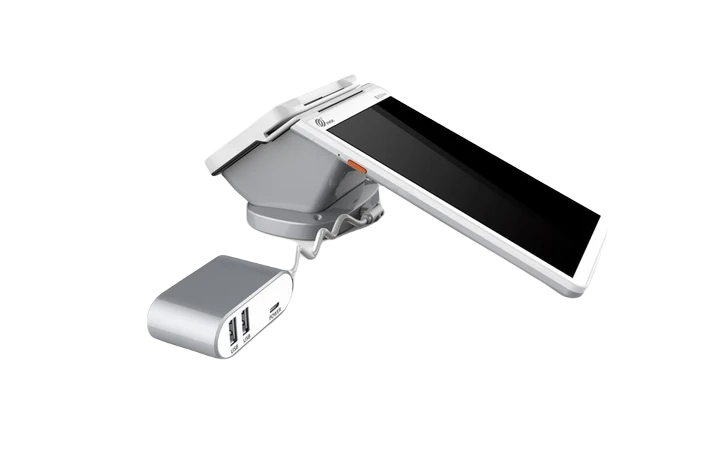
Available Clover options may include devices such as:
- Clover Station
- Clover Mini
- Clover Flex
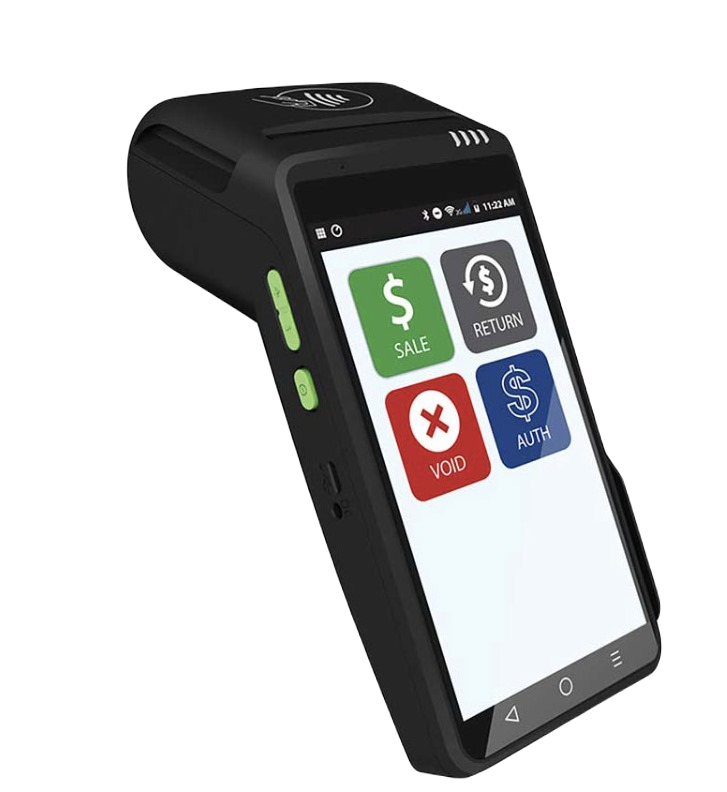
- Other compatible payment equipment based on the shop’s setup
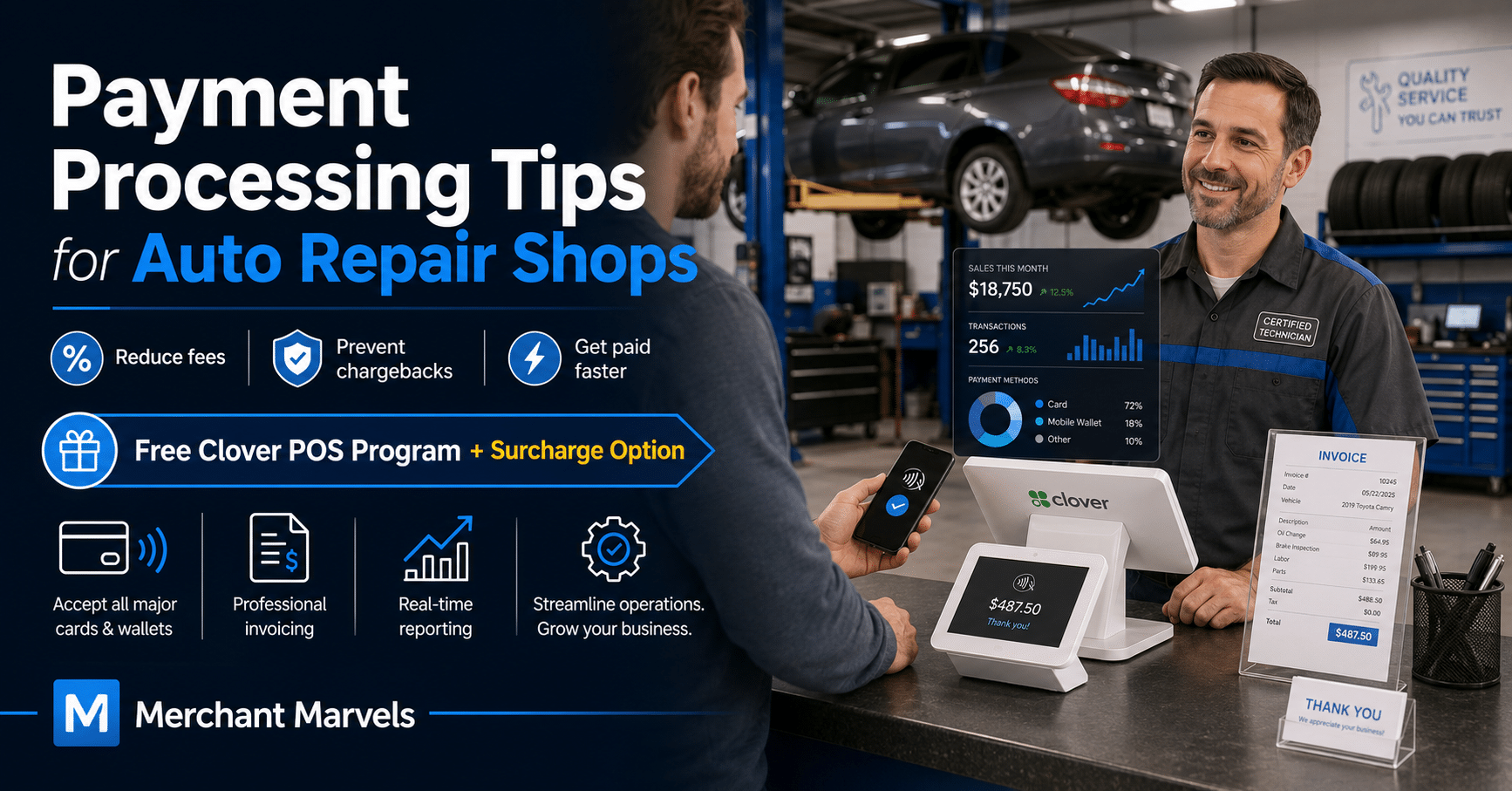
For a busy repair counter, a Clover Station can provide a central checkout and management system. A portable Clover Flex can help employees accept payments near the vehicle, in the parking lot, or at an off-site service location.
How the Surcharge Program Helps Reduce Processing Expenses
Every time a customer pays by credit card, the business normally pays processing costs. On a $2,000 repair invoice, even a modest percentage can represent a meaningful expense.
With a properly structured surcharge program, an eligible auto repair shop may add a clearly disclosed fee to qualifying credit card transactions to help offset the shop’s credit card acceptance costs.
The Clover system can be configured to calculate and display the applicable surcharge automatically. This reduces manual calculations and helps the shop apply its policy more consistently.
Customers who do not want to pay the credit card surcharge must be given a qualifying alternative according to the program’s setup, such as cash or another permitted payment method.
Merchant Marvels promotes a no-fee processing option in which eligible credit card processing costs may be offset through a customer-paid surcharge, subject to card-brand rules and applicable laws.
Important Surcharge Compliance Rules
A surcharge program must be configured correctly. A shop should never simply add a random percentage to every card transaction.
Important requirements include:
Surcharge Credit Cards Only
Visa’s U.S. guidance states that surcharges may be applied to eligible credit card transactions but not to debit or prepaid card transactions. This restriction applies even when a customer selects “credit” while using a debit card.
The payment system must be capable of recognizing the card type so employees do not accidentally surcharge debit cards.
Do Not Charge More Than Permitted
For Visa transactions, the surcharge cannot exceed the merchant’s actual cost of acceptance and is subject to Visa’s applicable cap, currently stated as 3% in its U.S. merchant guidance.
Mastercard also limits surcharge amounts and requires merchants to follow its applicable brand-level or product-level surcharge rules.
Because a shop may accept cards from multiple networks, its provider should configure the program according to the most restrictive applicable rule, the shop’s actual processing cost, and state law.
Disclose the Surcharge Clearly
Customers should see appropriate disclosures:
- At the shop entrance
- At the service or checkout counter
- On estimates or invoices when appropriate
- On the payment screen
- On the final receipt
The surcharge should appear as a separate, clearly labeled line item rather than being hidden in an unexplained total.
Follow State and Local Laws
Surcharge requirements can vary by state and may change. Some states impose special disclosure rules, percentage limits, pricing requirements, or restrictions.
Before launching the program, the auto repair shop should confirm the current requirements with its processor and qualified legal or compliance adviser.
Complete Required Notifications
Card brands and acquiring institutions may impose notification, registration, or implementation requirements. These procedures can change. Mastercard, for example, currently states that it has temporarily stopped requiring U.S. merchants to submit its online surcharge registration form while it updates its rules.
A merchant should not rely on an old online checklist. The processor should confirm the current requirements before surcharging begins.
How Clover Can Help an Auto Repair Shop Beyond Payments
The value of Clover is not limited to accepting cards.
Depending on the selected plan and installed applications, an auto repair shop may use Clover to:
- Create a list of services and prices
- Accept deposits and final payments
- Send digital receipts
- Manage customer information
- Track employees and permissions
- Review daily and monthly sales
- Monitor parts and supply inventory
- Identify low-stock items
- Track refunds and discounts
- Accept mobile-wallet payments
- Review operations remotely through the Clover Dashboard
- Integrate compatible business applications
Clover specifically promotes automotive and service-business tools for accepting payments, managing customer information, and reviewing sales, inventory, employee, and operational data.
Potential Savings for an Auto Repair Shop
Consider an auto repair business processing $60,000 per month in card sales.
If its average total card-processing expense is approximately 2.8%, the shop may spend around:
$60,000 × 2.8% = $1,680 per month
That would equal approximately:
$1,680 × 12 = $20,160 per year
This is only an illustration. Actual costs depend on card mix, transaction size, processor pricing, software charges, refunds, chargebacks, and other factors.
A compliant surcharge program may allow the shop to offset a substantial portion of eligible credit card processing costs. The business could redirect those savings toward:
- Diagnostic equipment
- Technician training
- Additional service bays
- Replacement tools
- Local advertising
- Employee bonuses
- Shop improvements
- Parts inventory
- Customer waiting-area upgrades
The combination of reduced upfront equipment expense and lower net processing costs can make Merchant Marvels’ Free Clover POS placement program especially valuable for growing repair businesses.
A Better Payment Experience Builds Customer Trust
Customers may not understand everything involved in repairing a vehicle, but they understand whether the bill was explained clearly.
A professional payment experience should make it easy for the customer to answer four questions:
- What work was performed?
- Did I approve it?
- Why does it cost this amount?
- What payment options are available?
When estimates, approvals, invoices, and payment policies are clear, customers are more likely to trust the shop, approve necessary work, return for future service, and recommend the business to others.
Final Thoughts
The right payment strategy can help an auto repair shop do much more than collect money.
It can help the business:
- Get paid faster
- Reduce billing mistakes
- Prevent avoidable chargebacks
- Protect customer information
- Control employee access
- Track parts and labor revenue
- Improve cash flow
- Understand overall business performance
- Provide a more professional customer experience
Merchant Marvels adds another advantage by offering qualifying auto repair shops access to free Clover POS equipment through its equipment placement program. When combined with a properly configured and compliant surcharge program, the shop may also offset eligible credit card processing costs instead of absorbing them on every repair order.
For an auto repair business looking to modernize checkout, improve reporting, and keep more revenue available for growth, the Merchant Marvels Free Clover POS Program can truly be the cherry on top.
Compliance notice: Surcharge laws and card-network requirements vary and may change. Surcharges generally cannot be added to debit or prepaid card transactions. Businesses should confirm current federal, state, local, processor, and card-brand requirements before implementing any surcharge or cash-discount program. Program eligibility, equipment availability, pricing, software, and placement terms are subject to underwriting and the applicable Merchant Marvels agreement.